Budget
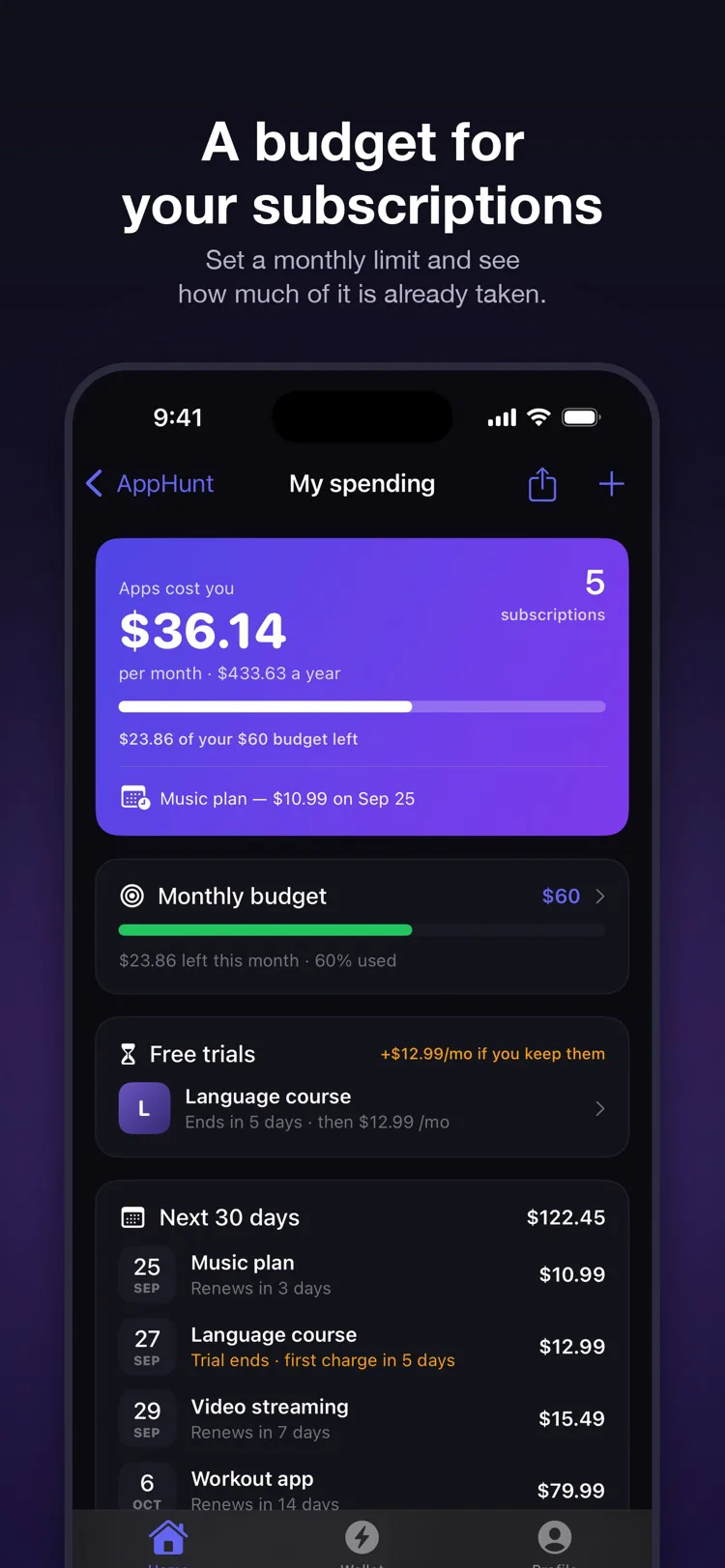
Set what apps may cost you a month
AppHunt shows how much of the budget your subscriptions already take, what is left, and which one is the biggest. The yearly total and the cost per day are always one glance away.
AppHunt for iPhone · free
Every subscription, free trial and one-time purchase in one place: the monthly total, the next charges, a budget — and a reminder before every renewal. Plus promo codes from developers that unlock premium apps for free.
 iOS 17 or later · the tracker needs no account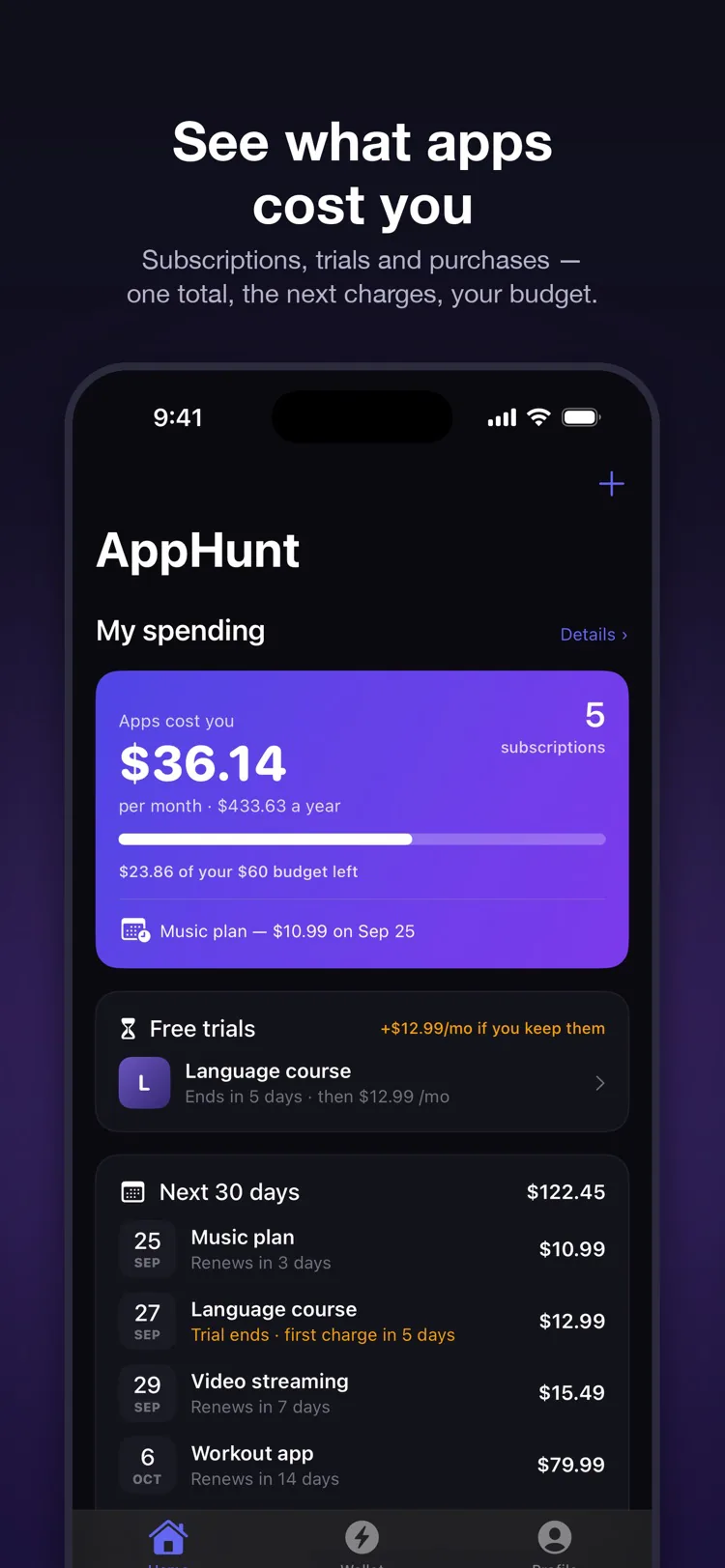
Budget
AppHunt shows how much of the budget your subscriptions already take, what is left, and which one is the biggest. The yearly total and the cost per day are always one glance away.
Where the money goes
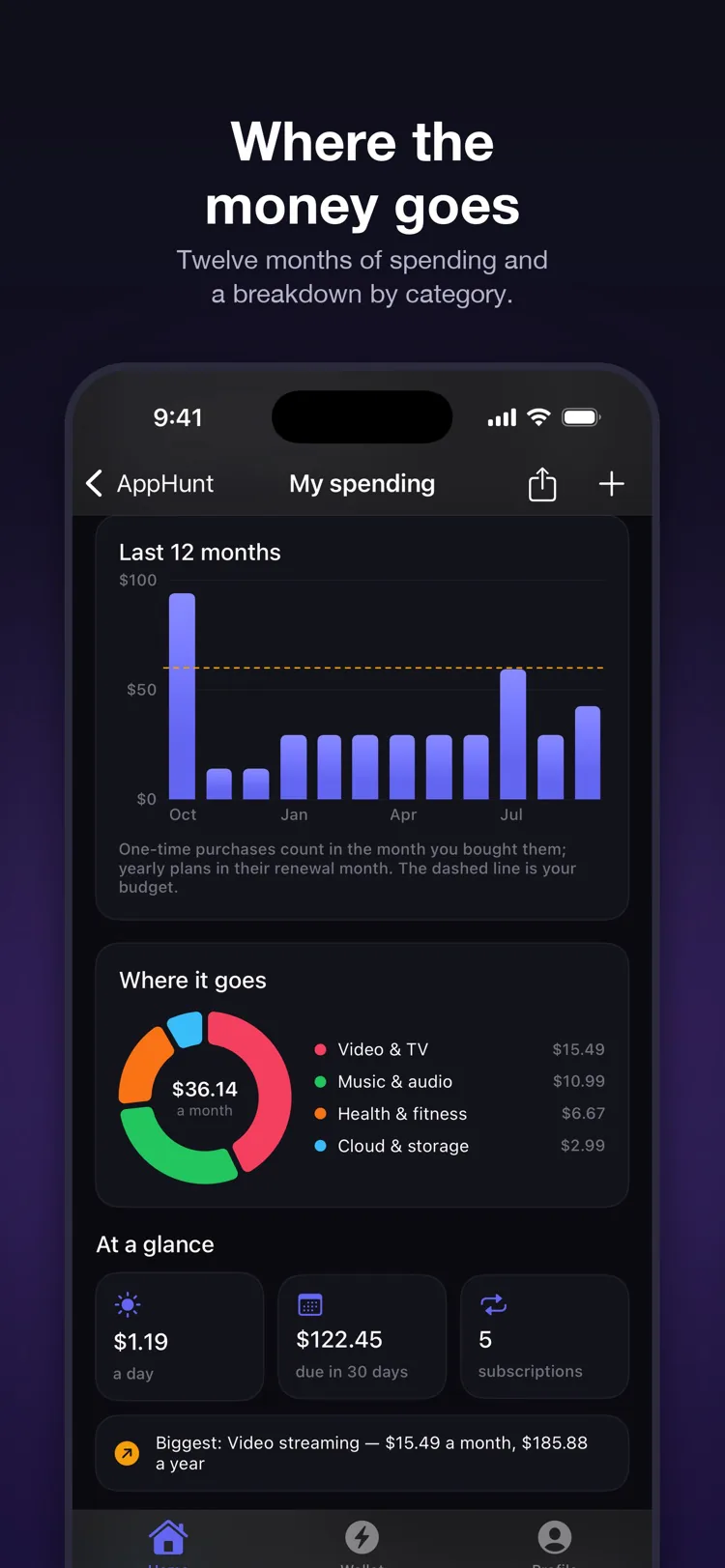
A chart of what you paid each month — one-time purchases in the month you bought them, yearly plans in their renewal month — and a breakdown by video, music, storage, fitness, learning and more.
Never surprised by a charge
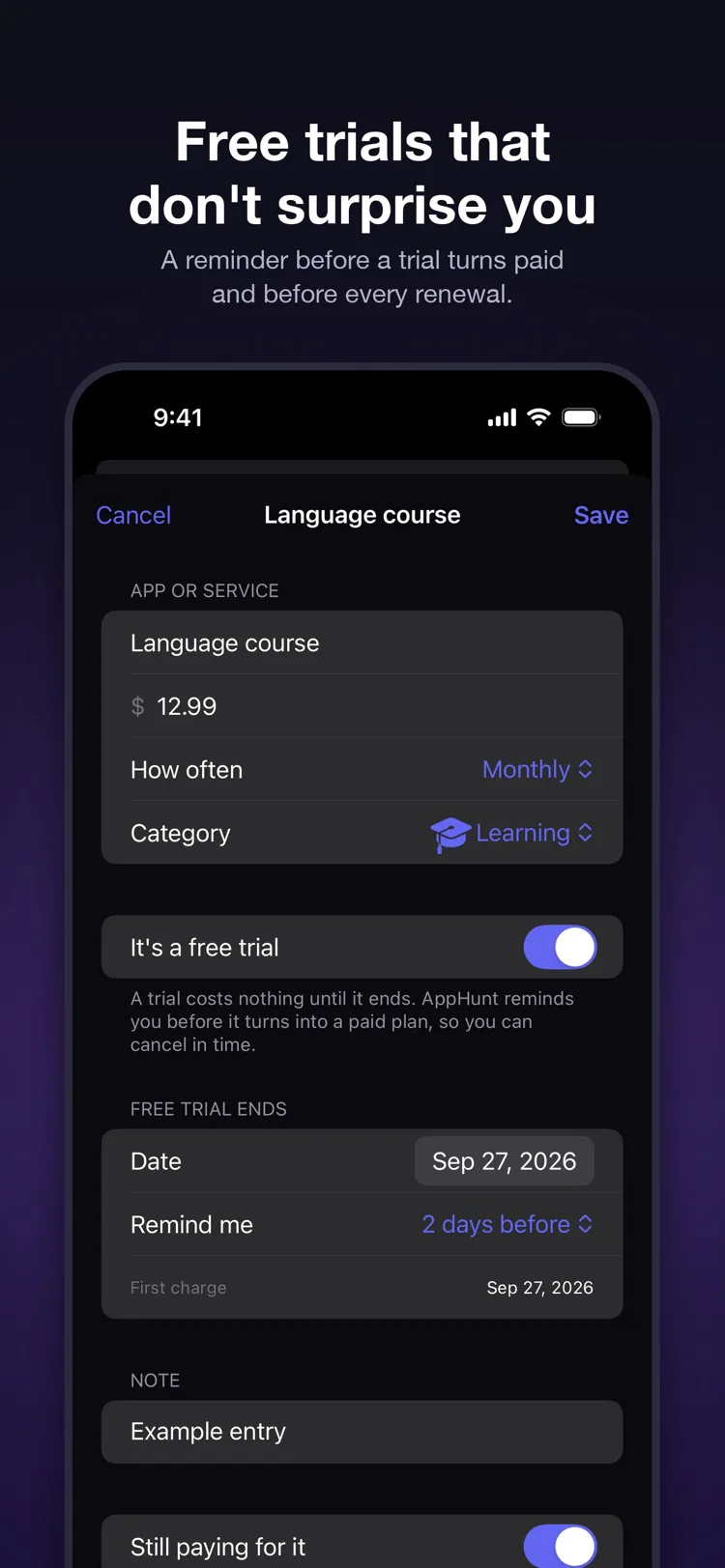
Mark a subscription as a trial and AppHunt reminds you 1, 2, 3 or 7 days before it turns paid — and before every renewal — with the amount it will add to your month.
Hunt Points and promo codes
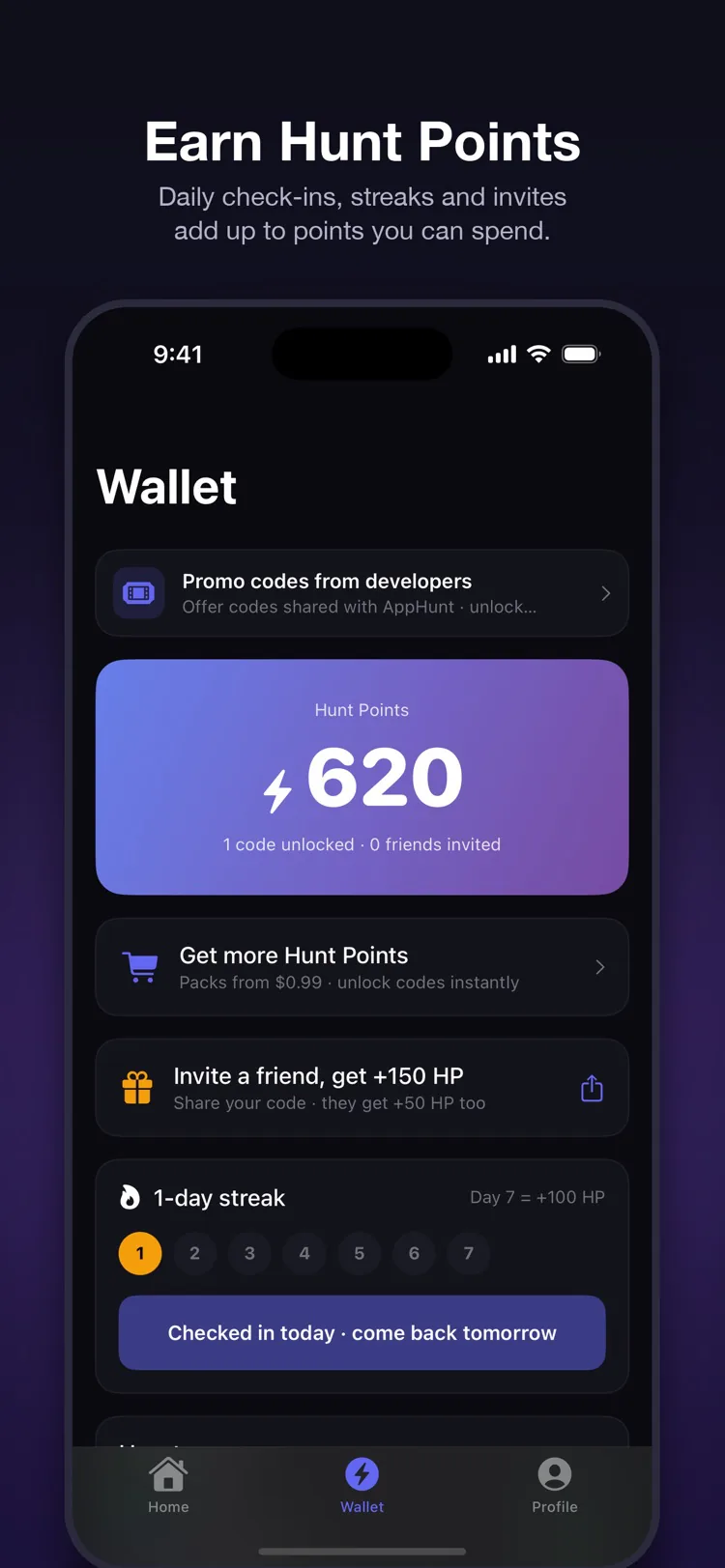
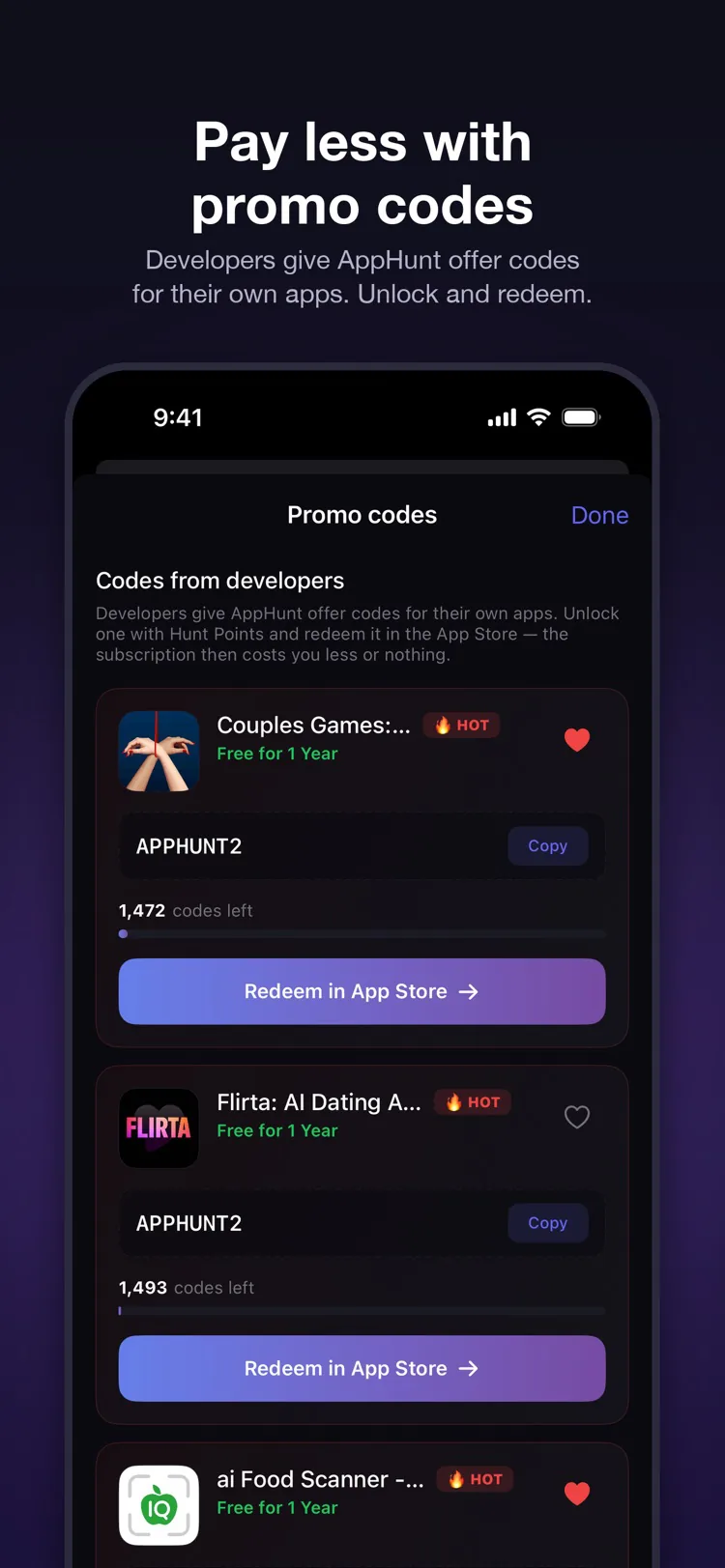
Developers give AppHunt offer codes for their own apps. Check in daily, keep a streak and invite friends to earn Hunt Points, unlock a code and redeem it in the App Store. Saved codes remind you before they expire.

Free on the App Store. Your subscriptions, your budget, your codes.
Yes. The app is free on the App Store, and the spending tracker needs no account. Promo codes are unlocked with Hunt Points, which you earn in the app; many codes are free.
No. You add subscriptions yourself — name, price, how often you pay — and everything stays on your iPhone. There is no bank login and nothing is uploaded.
Points you earn by checking in daily, keeping a streak and inviting friends. They unlock the promo codes developers give AppHunt for their own apps; you redeem a code in the App Store.
iPhone with iOS 17 or later. There is a Home Screen widget, Siri and Shortcuts support, and an optional Face ID lock.