Night look
Warm and dark, so nobody wakes up
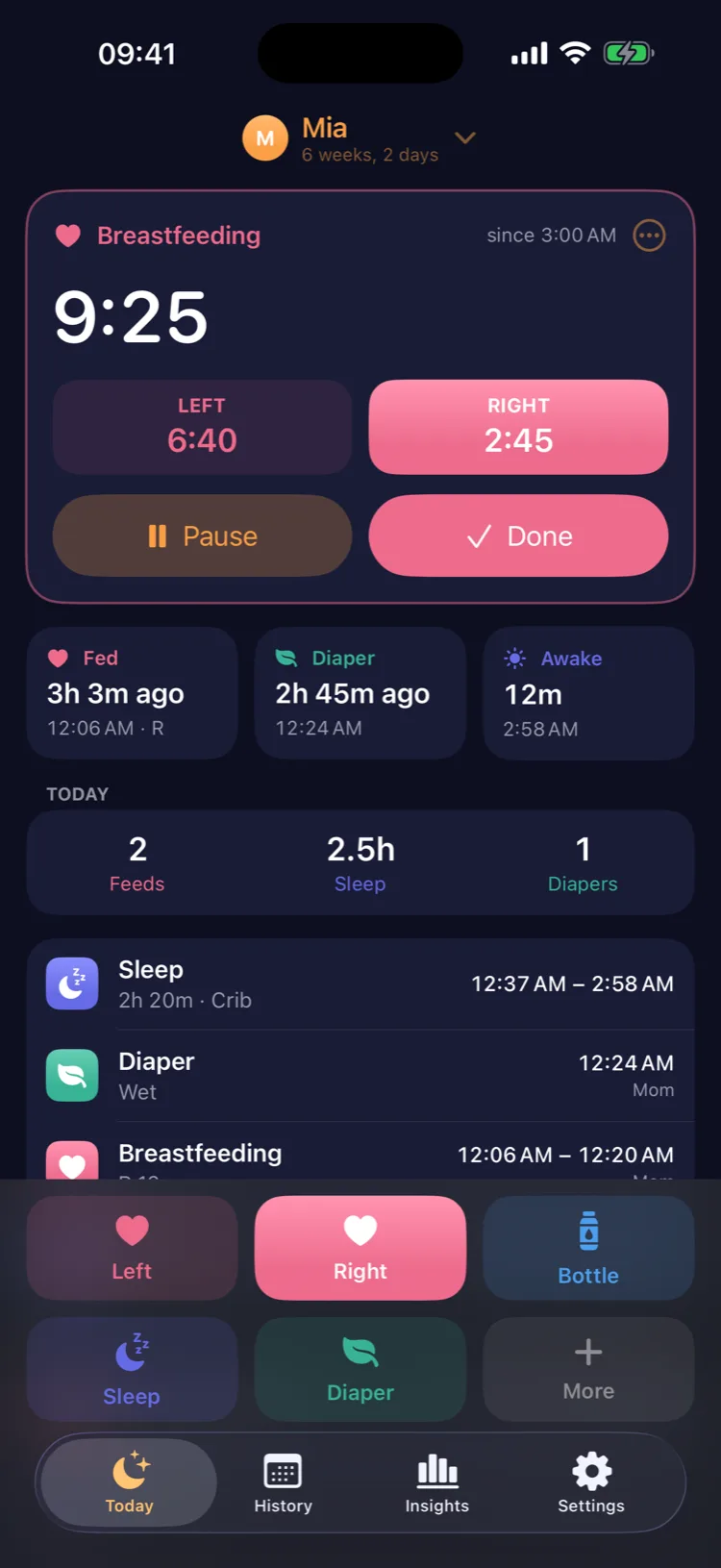
In the evening the app turns into a dim, warm night look. Every log button sits at the bottom, under your thumb, and the last side you fed on is marked so you don't have to remember.
Baby tracker for iPhone and iPad
Nightlight keeps a calm, simple journal of your baby's days: a breastfeeding timer for each side, bottles, pumping, sleep, diapers and growth. Log it with one hand at 3 am, and your partner sees it on their iPhone. No account, no ads.
 Coming soon on the App Store
Coming soon · Free to download, logging free forever
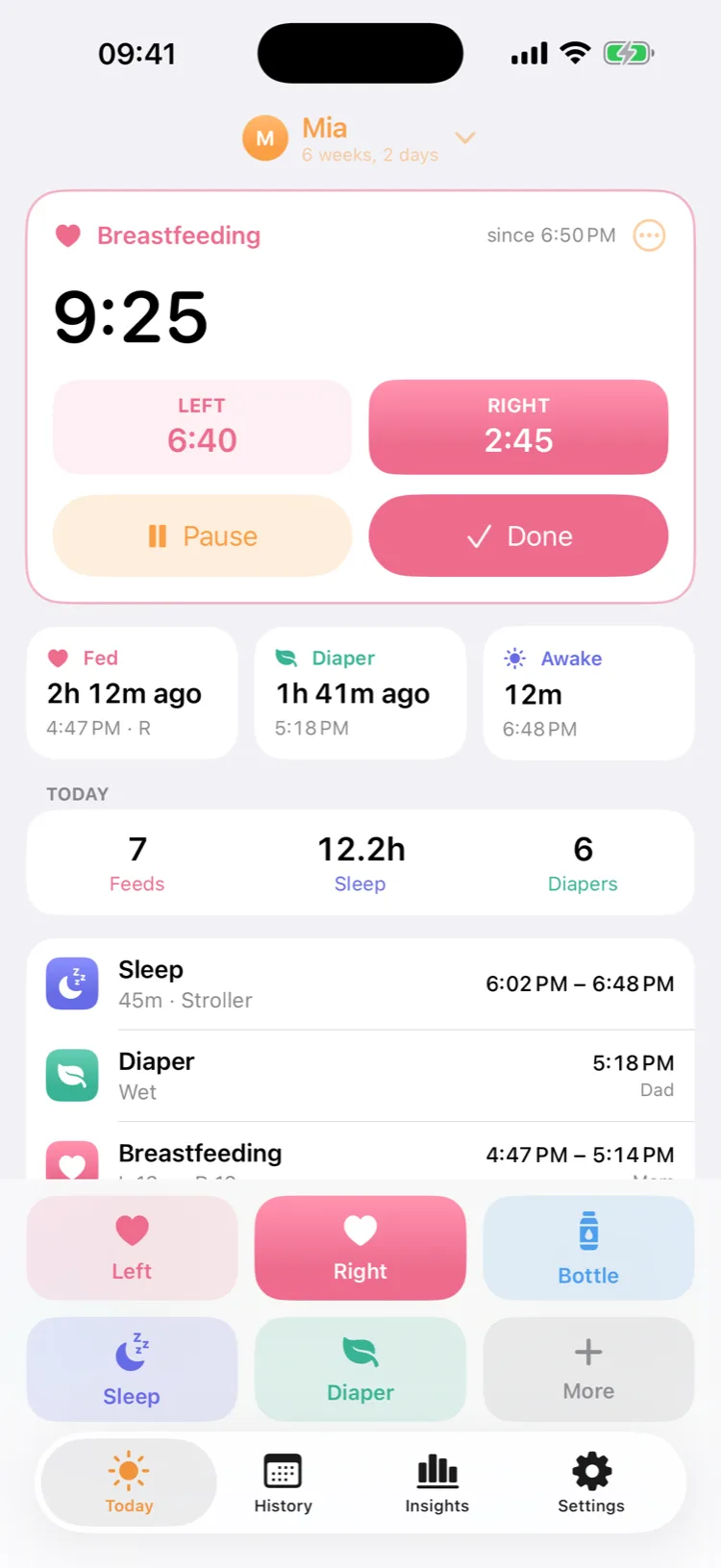
Everything you need at 3 am is one tap away, and nothing you don't need gets in the way.
Night look
In the evening the app turns into a dim, warm night look. Every log button sits at the bottom, under your thumb, and the last side you fed on is marked so you don't have to remember.
Lock Screen
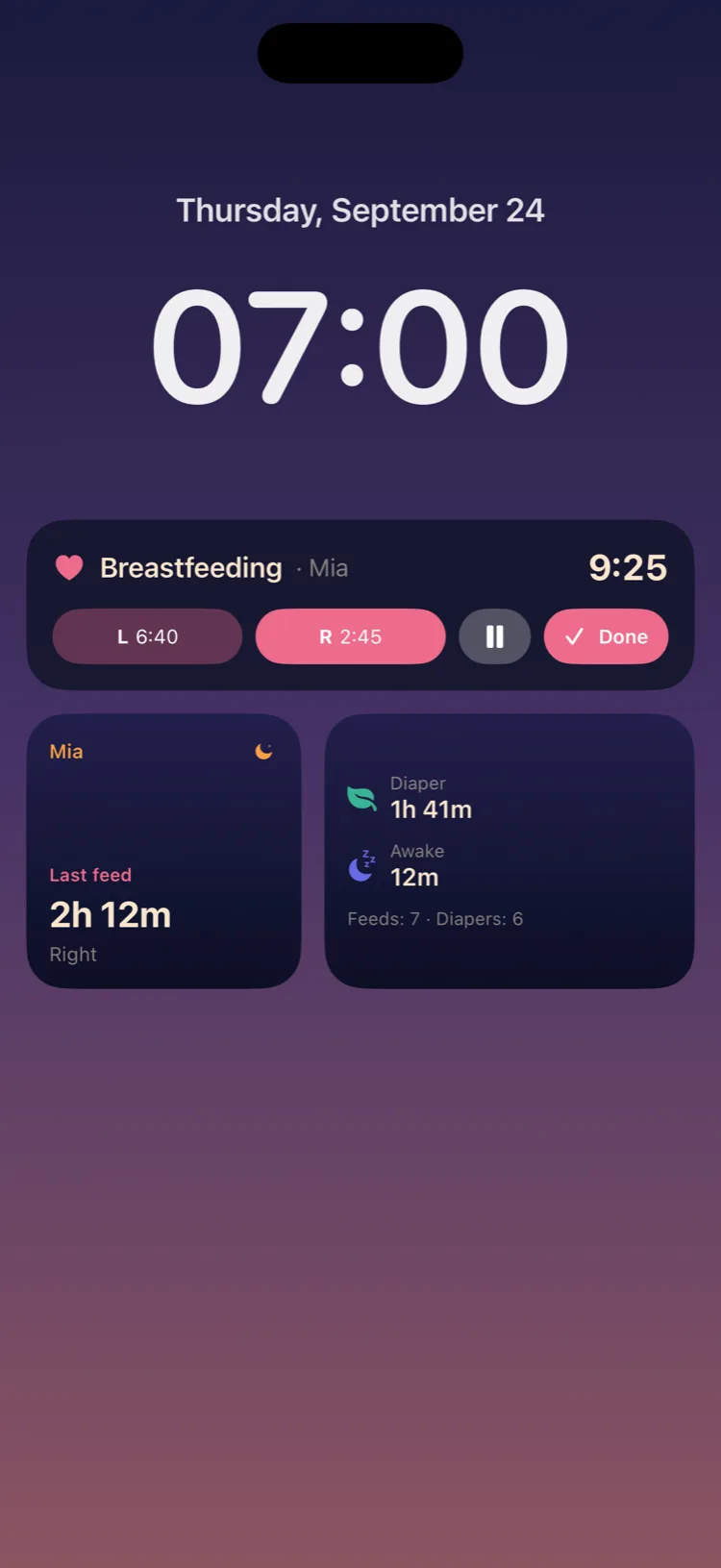
The feeding or sleep timer runs as a Live Activity on the Lock Screen and in the Dynamic Island, with buttons to switch sides, pause and stop. Widgets show how long since the last feed, diaper and sleep; Control Center buttons and Siri start a feed or log a diaper.
Family
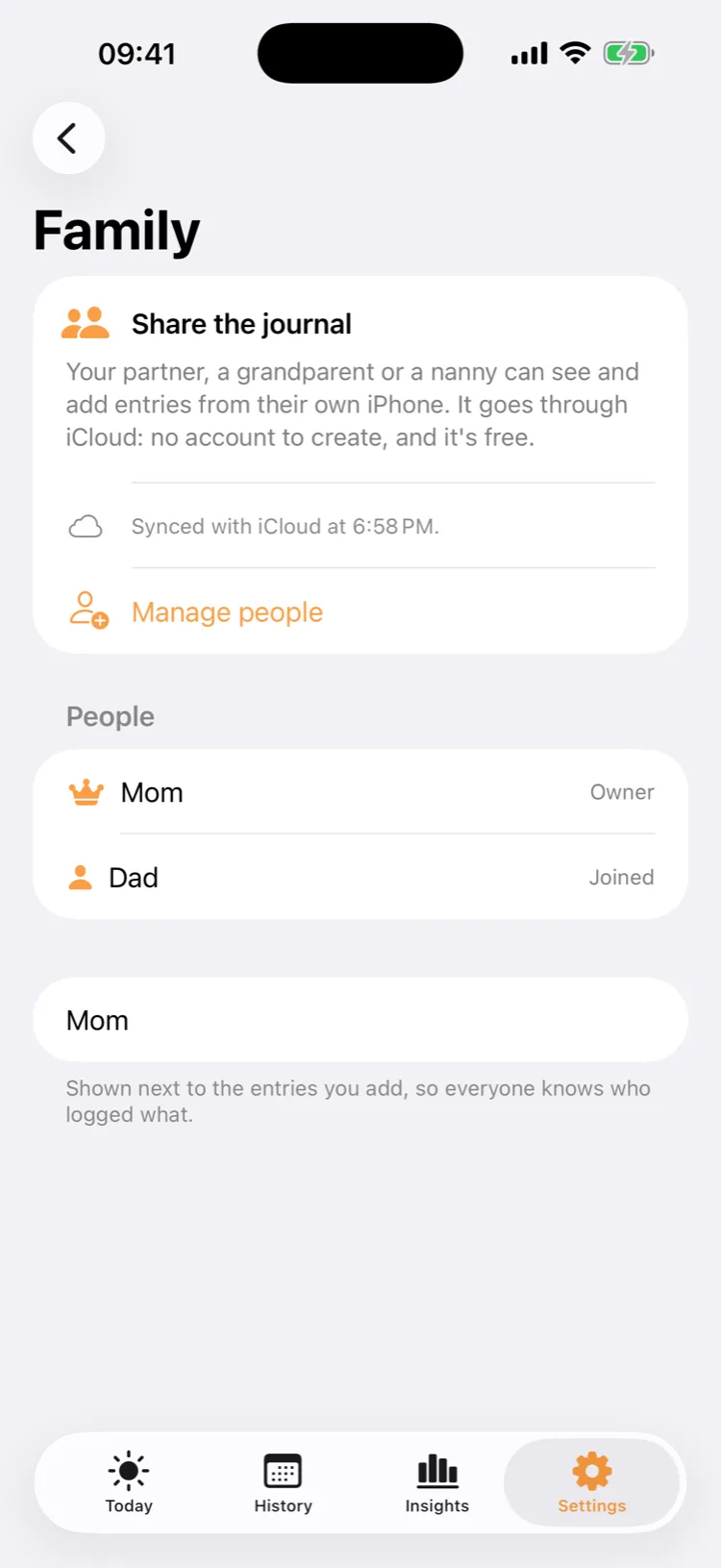
Invite your partner, a grandparent or a nanny through iCloud. Everyone logs on their own iPhone and sees the same journal, with who logged what. It's free, and there's no account to create.
Switching apps
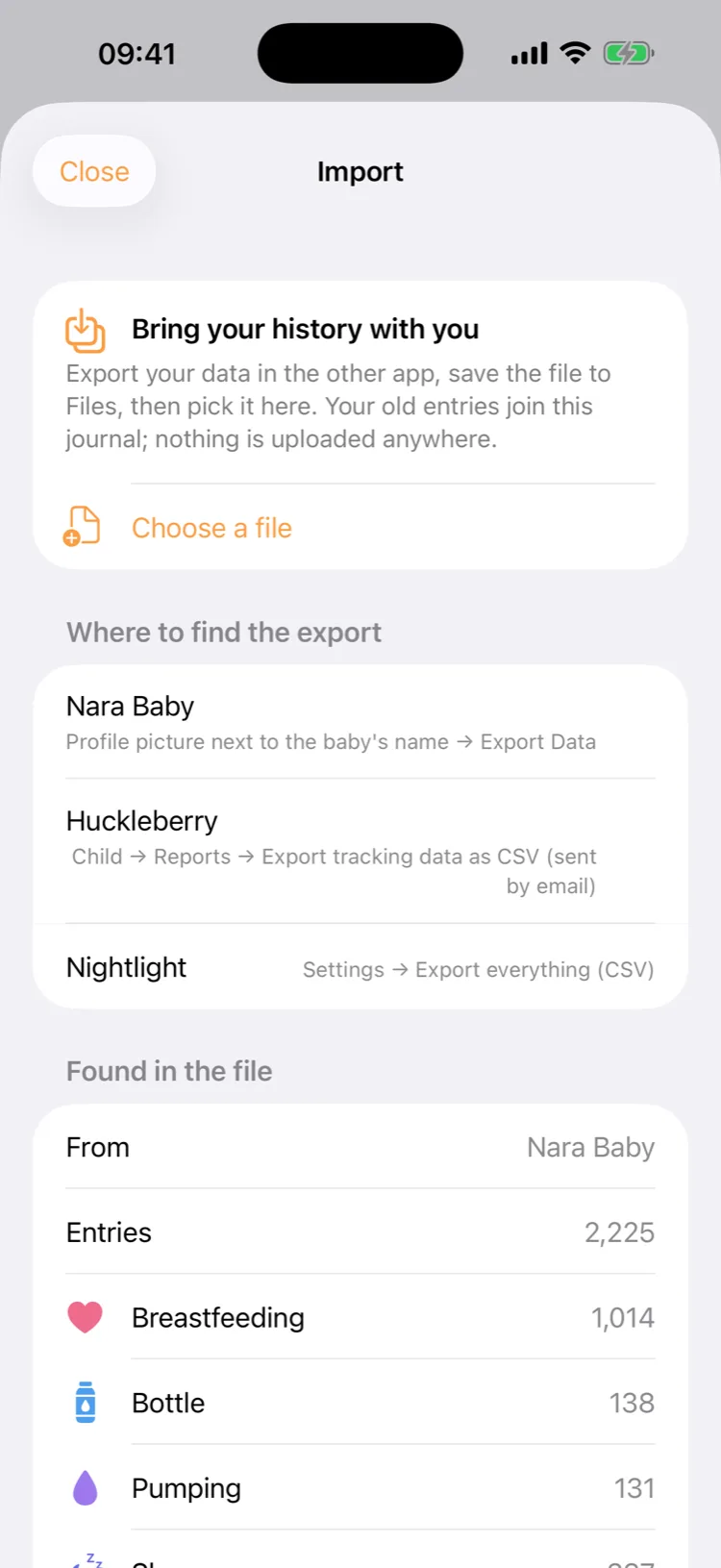
Moving from Nara Baby or Huckleberry? Export your data there and import the file here: every feed, nap and diaper comes along. And you can export everything from Nightlight as a spreadsheet at any time, free.
Free
Feeds, sleep, diapers, timers, widgets, sharing and exports are free forever. Nothing you logged is ever locked.
Private
The journal lives on your devices and in your own iCloud. There's no sign-in and nothing on our servers.
Encrypted
Notes, medicines, temperatures and measurements are stored in iCloud with encryption.
No AI
No ads, no tracking, and no AI reading what you log.
Nightlight is free to download, with no ads and no account. Nightlight Premium is $29.99 a year with a 7-day free trial, $4.99 a month, or $49.99 once, and Family Sharing lets one purchase cover your Apple family. Prices are in US dollars.
Free forever
Breastfeeding, bottles, pumping, sleep, diapers, growth, temperature, medicine and notes; timers, Live Activities, widgets, Control Center and Siri; sharing with your family; reminders; import and export.
Nightlight Premium
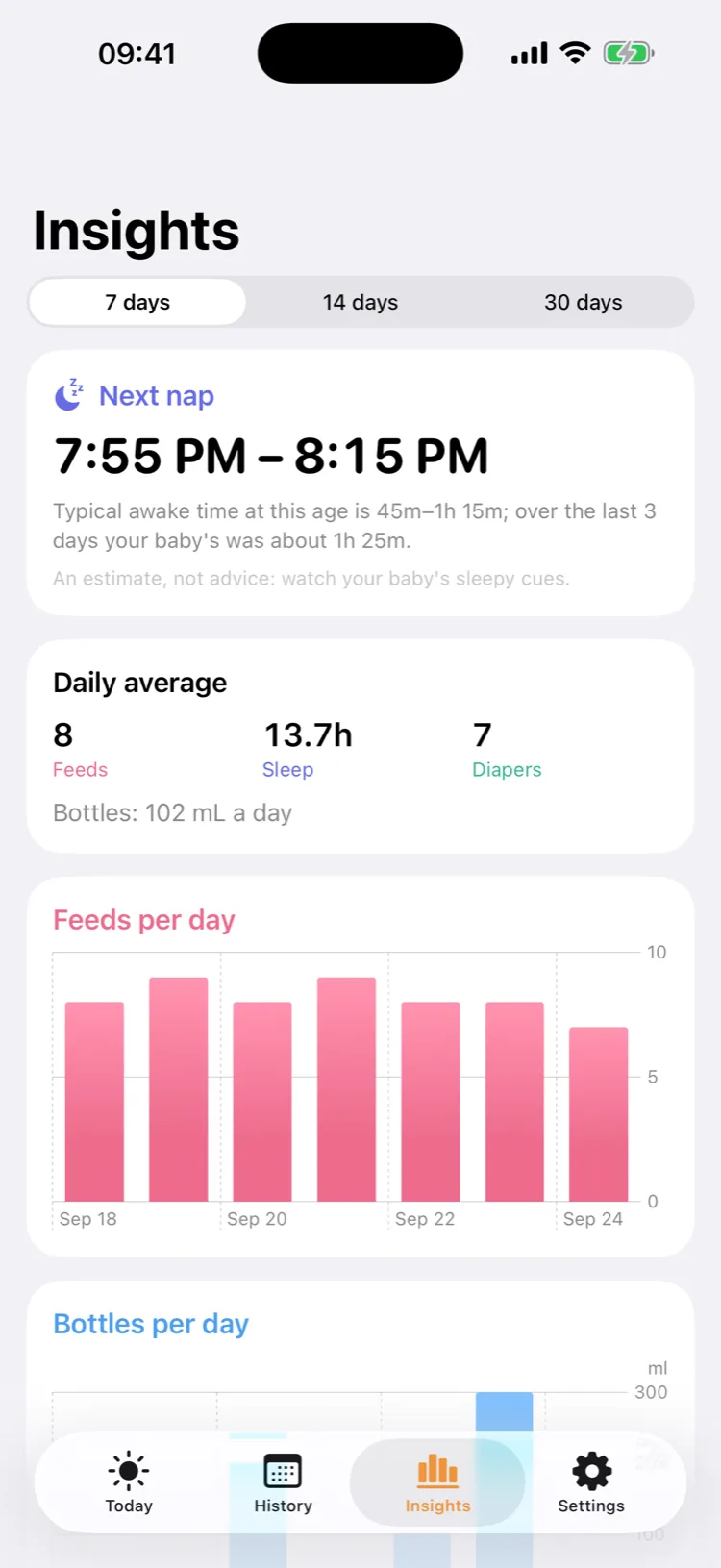
Trends over weeks, an estimate of the next nap from your baby's age and own days, growth over time, and a PDF report for your pediatrician.
Yes. Every kind of entry, the timers, widgets, Live Activities, sharing with your family and exporting all of your data are free, with no limits and no ads. Premium adds trends, the next-nap estimate, growth over time and the PDF report.
In Settings → Family and sharing, tap Invite someone and send the link (for example in Messages). When your partner opens it on their iPhone, the shared journal appears in their Nightlight. It goes through iCloud: you both need an iPhone or iPad signed in to iCloud, and nobody creates an account.
Usually within a minute or so, but iOS decides when to sync, and it can take longer in Low Power Mode or without a connection. Nothing is lost: entries sync as soon as the phone can.
Yes. Export your data in that app (Nara Baby: the profile picture next to your baby's name → Export Data; Huckleberry: Child → Reports → Export tracking data as CSV), save the file to Files, then pick it in Settings → Import. The file is read on your iPhone.
Yes, the journal then stays on this device. Sign in to iCloud to share it and keep it across devices. Note that signing out of iCloud removes the synced copy from the device, so export first if you plan to.
Add as many babies as you need and switch between them from the name at the top; each one has its own colour.
No. It's an estimate from the awake times typical for your baby's age and your baby's own last days, to help you plan. Every baby is different; follow your baby's cues.
No. It's a journal for parents. It doesn't diagnose anything, give dosing advice or raise alerts, and it doesn't replace advice from your pediatrician.
Nightlight for iPhone and iPad. Free to download; logging is free forever.
Coming soon on the App Store