Questions about Curat
Are my photos uploaded anywhere?
No. Curat analyzes your photos on your device with Apple's Vision framework, and compares contacts on your device too. It has no servers, no account, no ads and no tracking.
Can I undo a cleanup?
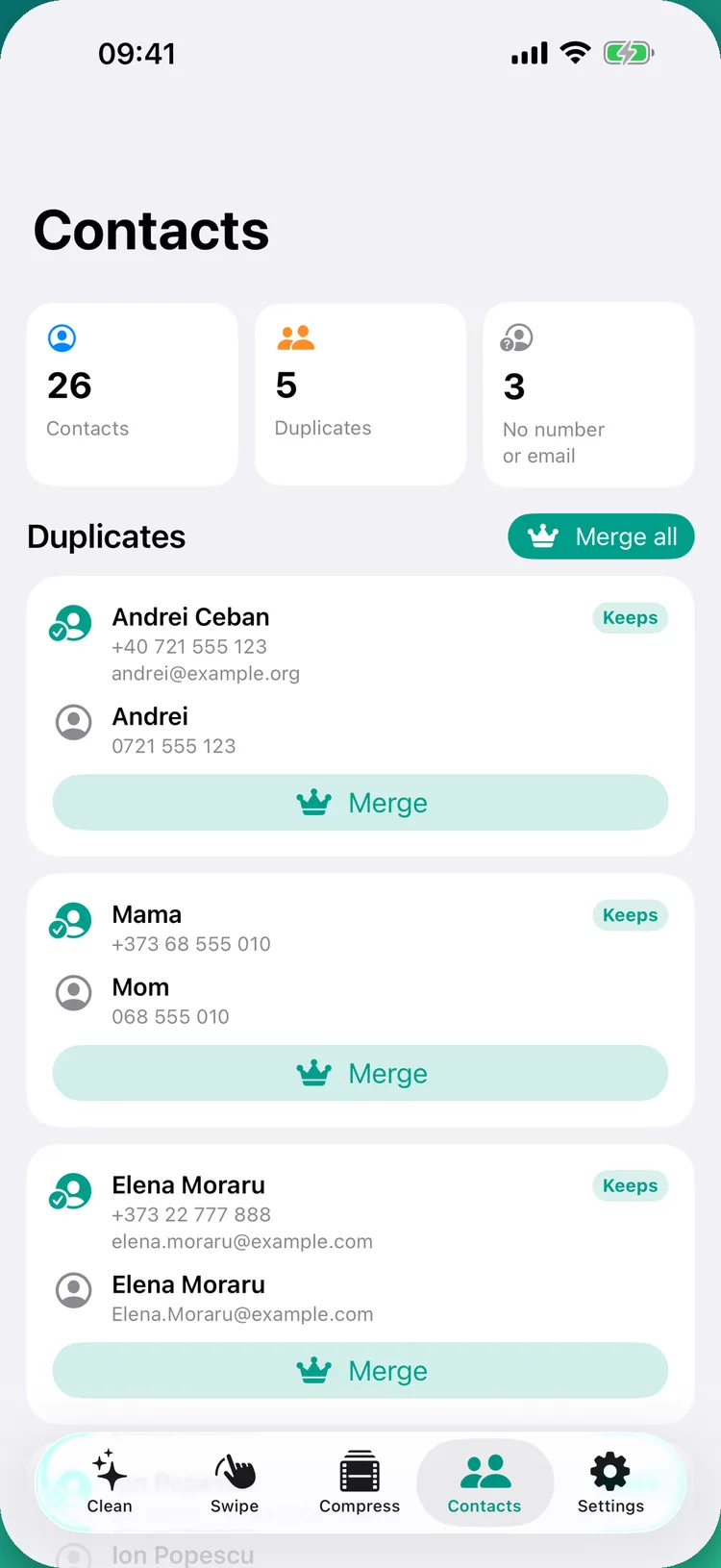
Yes. iOS asks you to confirm every deletion, and deleted photos and videos go to the Recently Deleted album of the Photos app for 30 days. Contact changes can be restored from the vCard backup Curat saves in the Files app.
How does Curat decide which photo to keep?
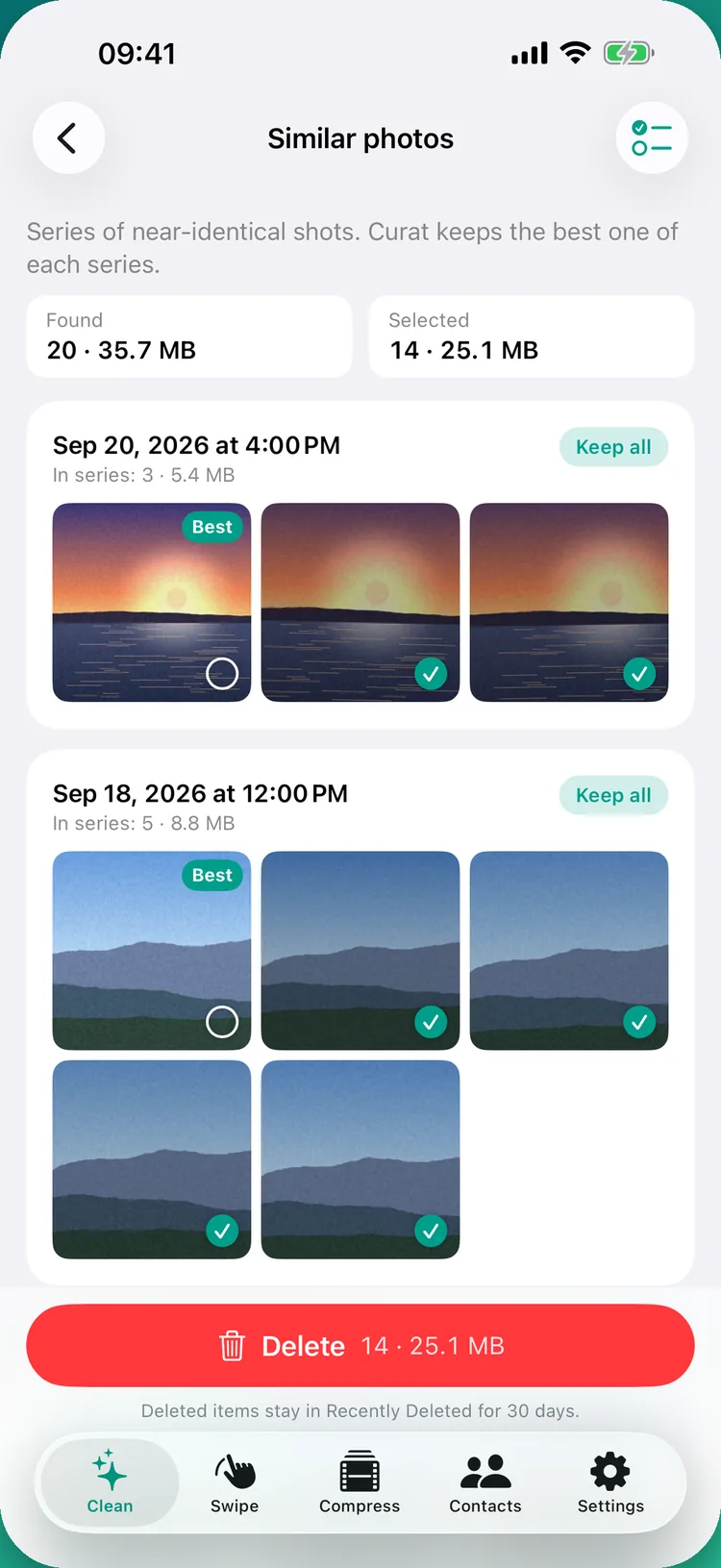
Within a series it prefers favorites, then the sharpest, best-exposed and best-composed shot according to on-device image analysis. You can change the choice by tapping any photo.
Will deleting copies take photos out of my albums?
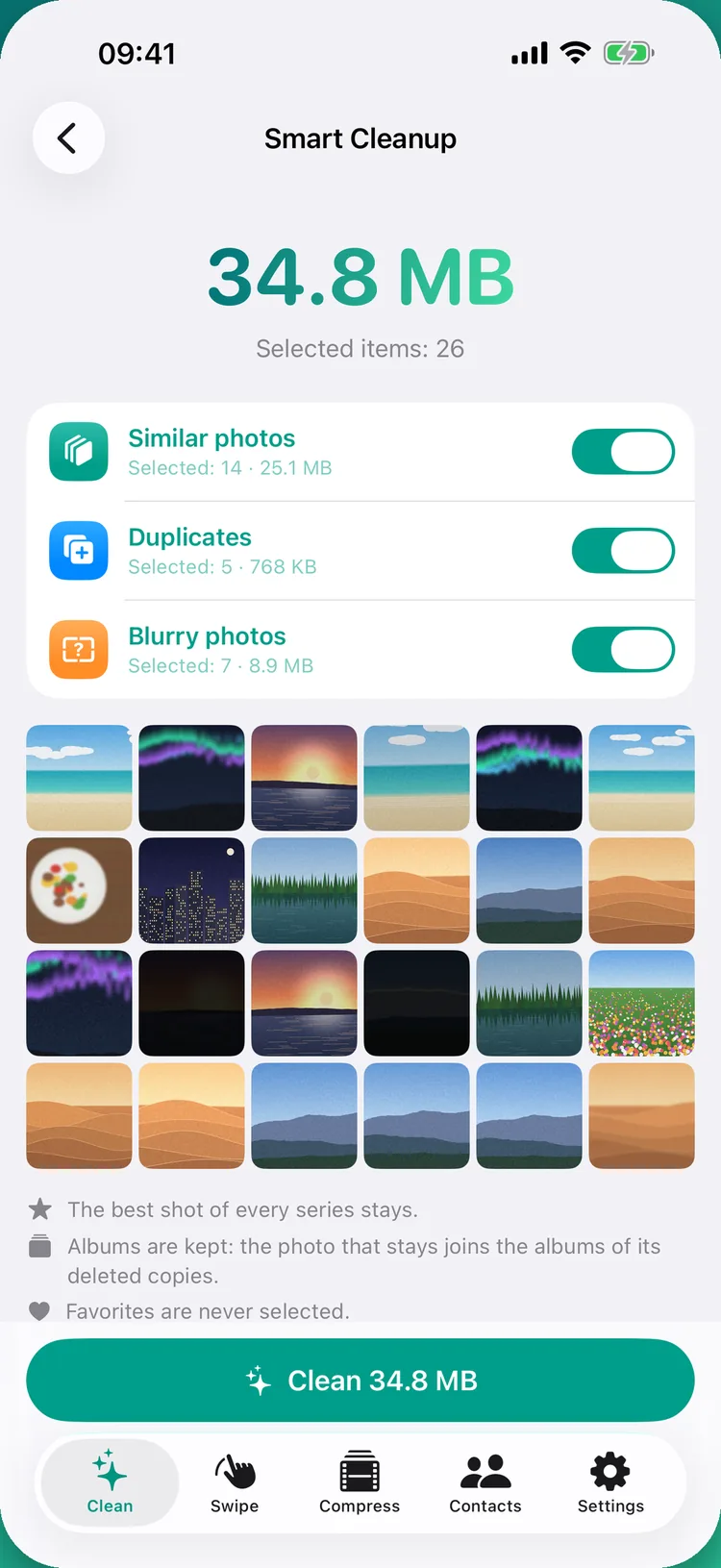
No. When extra shots or copies are deleted, the photo you keep joins every album they were in. Favorites are never selected.
Is Curat free? Are there daily limits?
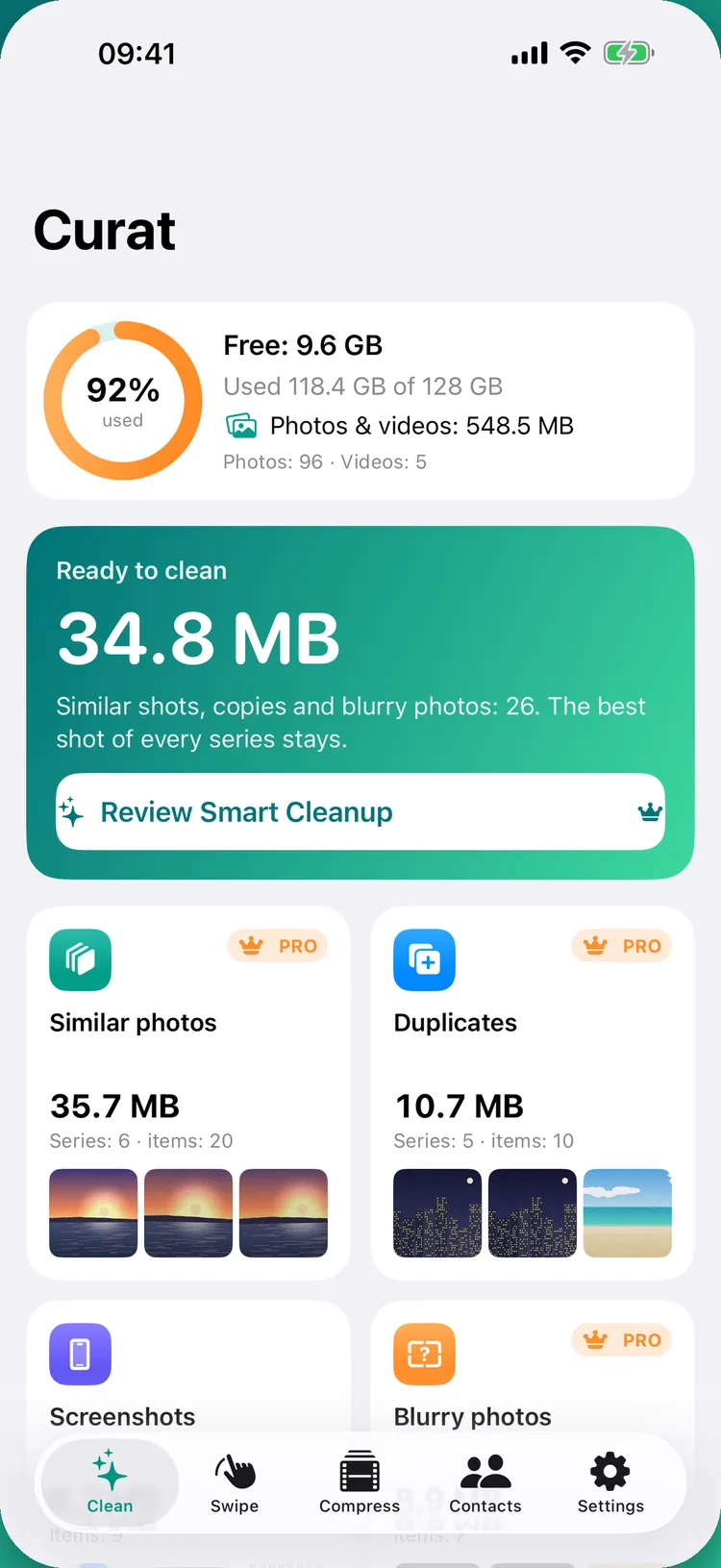
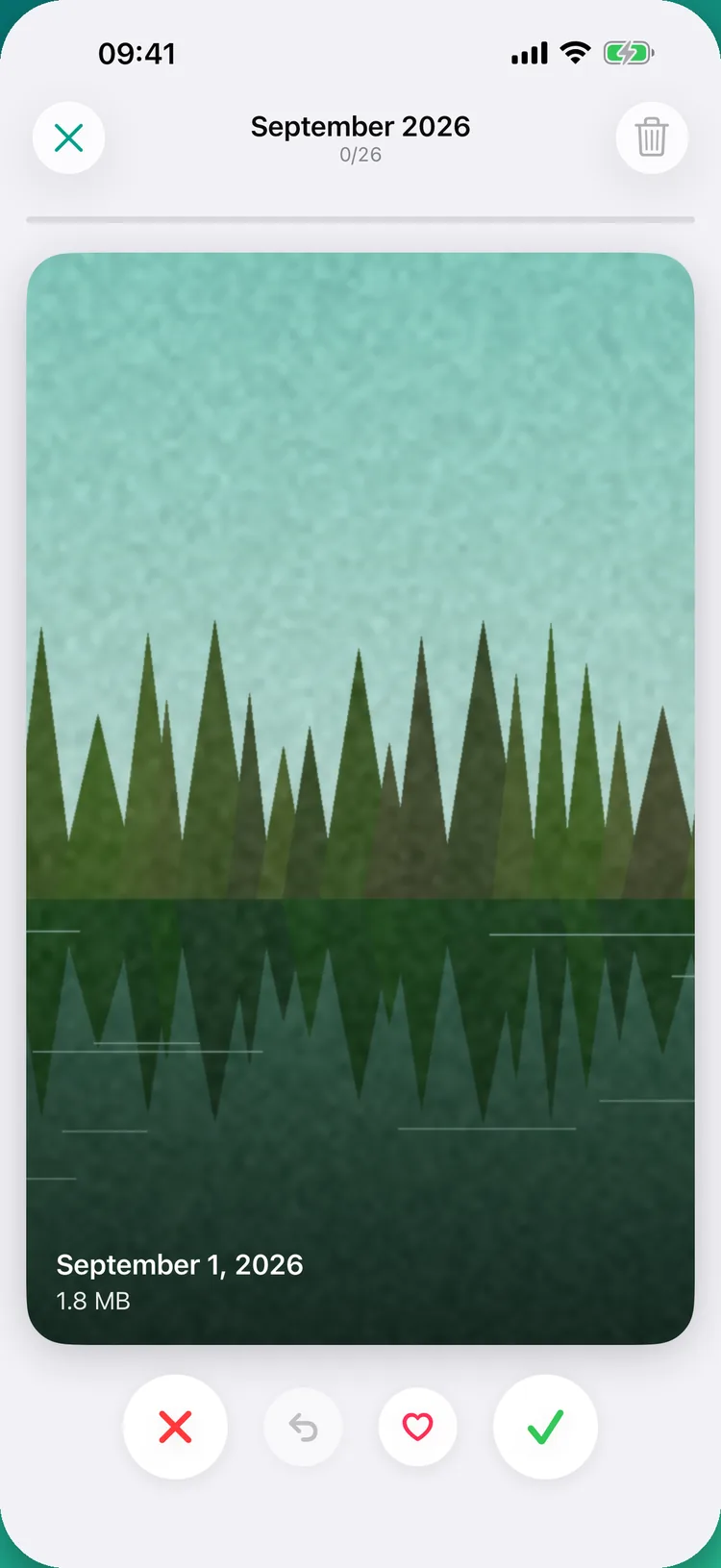
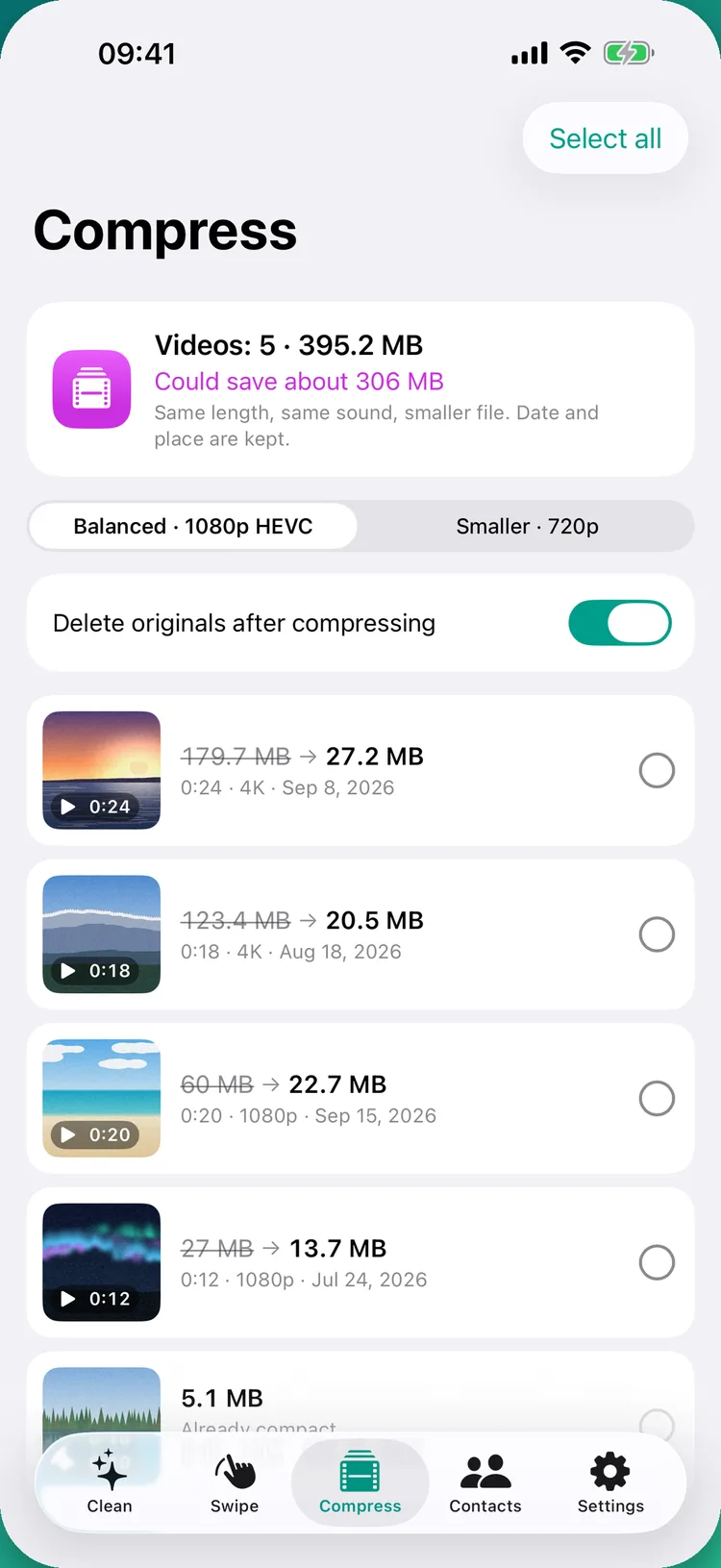
Curat is free to download, and the scan, screenshots, screen recordings, the large-video list and Swipe mode are free with no daily limits. Curat Premium adds Smart Cleanup, the video compressor, Live Photos to stills and contact merging.
Why is my library only partly scanned?
If you allowed access to selected photos only, Curat can see just those. Allow Full Access in Settings → Curat → Photos to scan everything.
Does Curat work on iPad and Mac?
Yes. Curat runs on iPhone, iPad, Macs with Apple silicon and Apple Vision Pro, in 32 languages. On iPad and Mac, the left and right arrow keys work in Swipe mode.