Green screen
Pick the colour. Refine the edge.
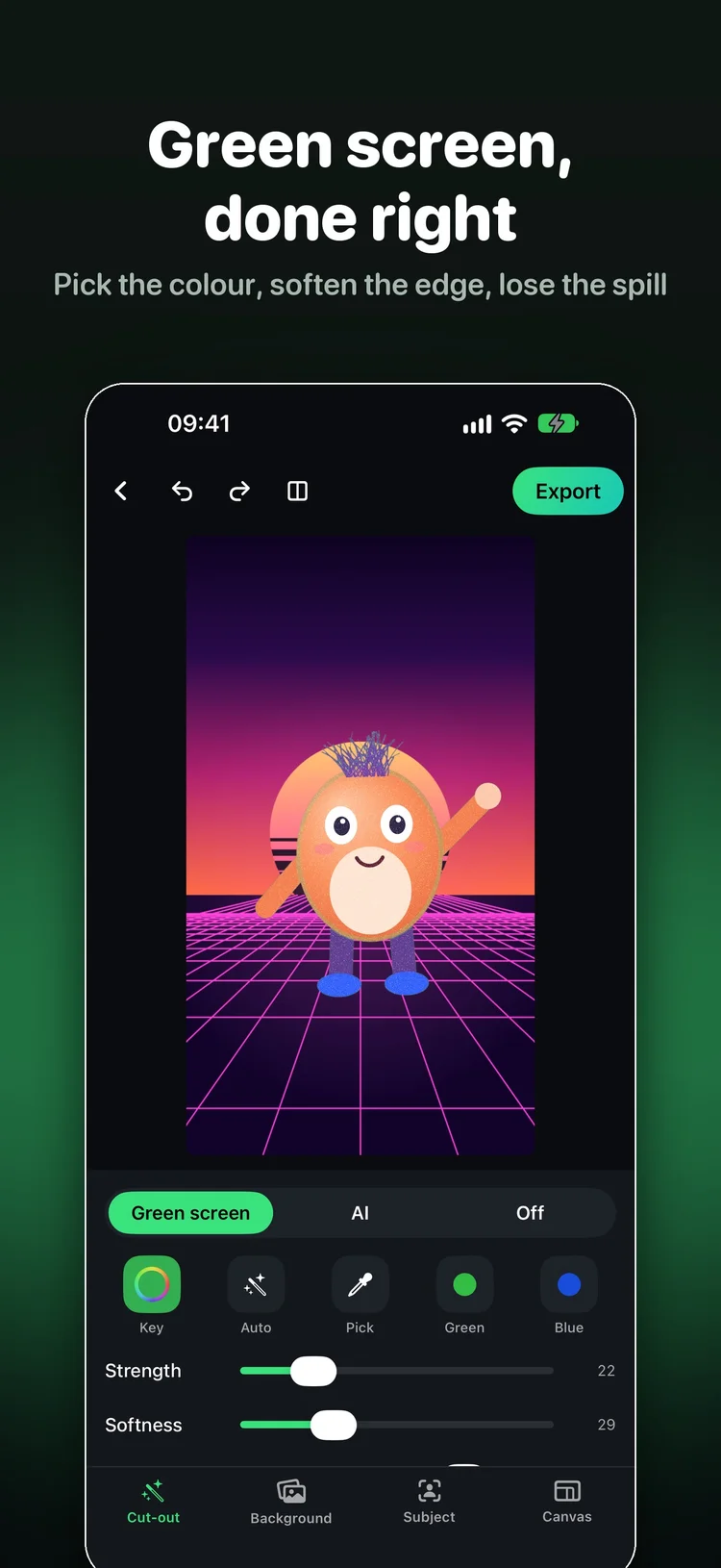
Let Chromo detect the key colour or choose it with the eyedropper. Adjust strength, softness, spill suppression and smoothing, then shrink, grow or feather the edge to suit your footage.
Photo, video & live camera backgrounds
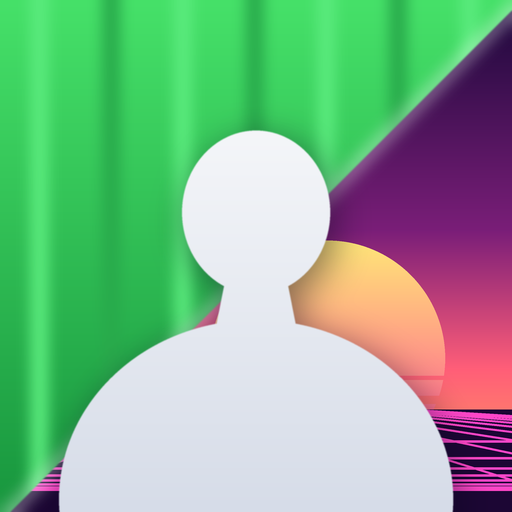
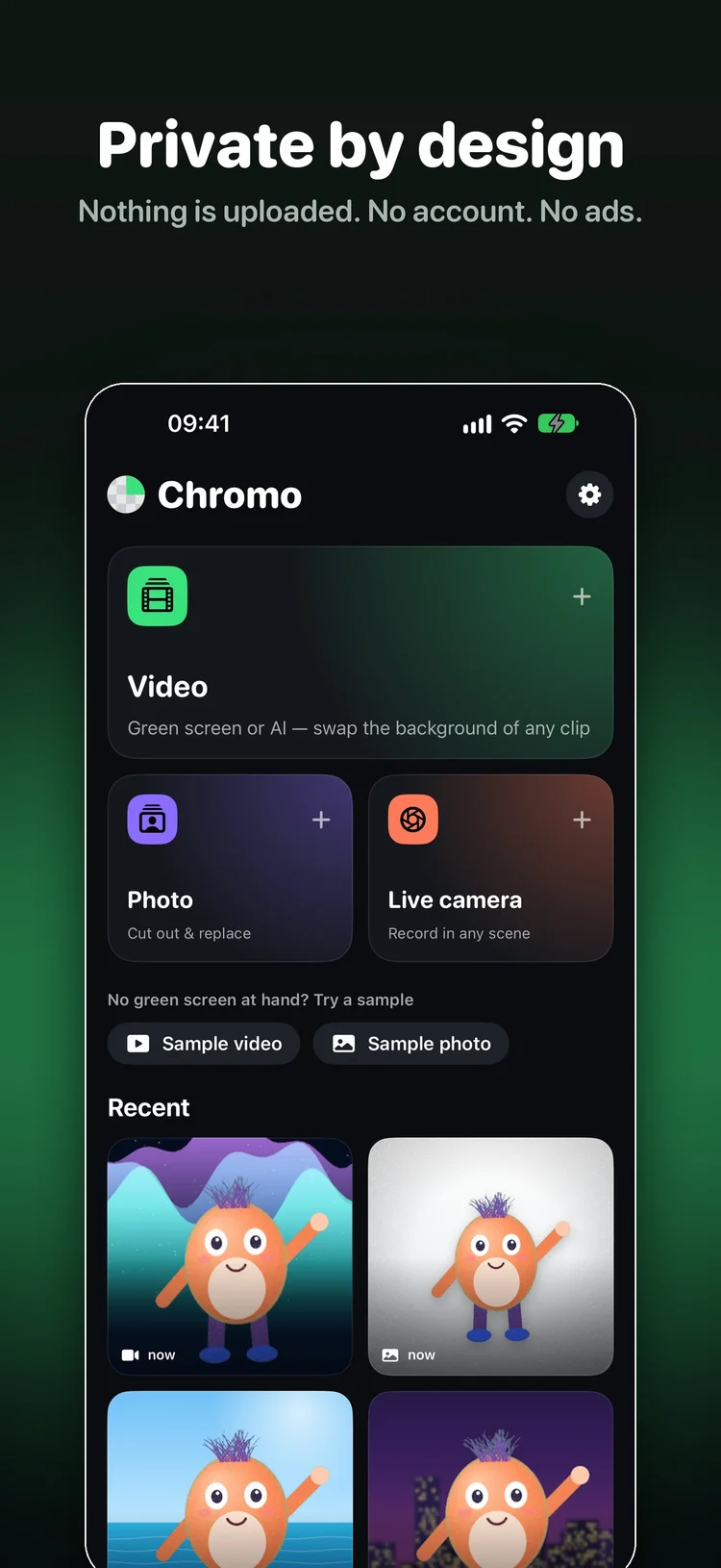
Remove a green screen, cut out a subject with on-device AI or record yourself in front of a new background. Chromo brings photo, video and live camera editing together on your iPhone.
 Coming soon on the App Store
Explore the editor
Coming soon on the App Store
Explore the editor
Coming soon · iOS 17+ · Free with optional Chromo Pro
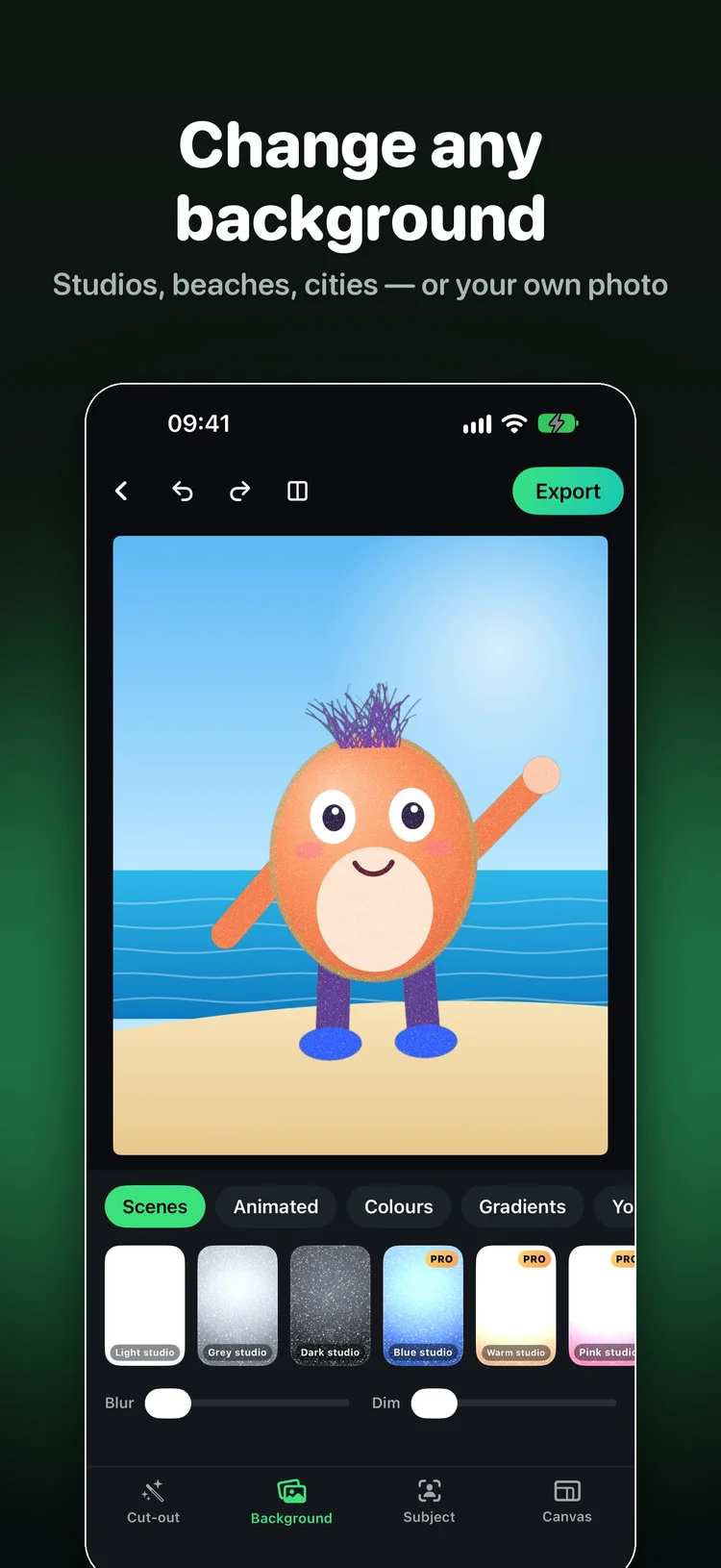
Use a colour screen for precise control or let AI find your subject. Then fine-tune the result in the same editor.
Green screen
Let Chromo detect the key colour or choose it with the eyedropper. Adjust strength, softness, spill suppression and smoothing, then shrink, grow or feather the edge to suit your footage.
AI cut-out
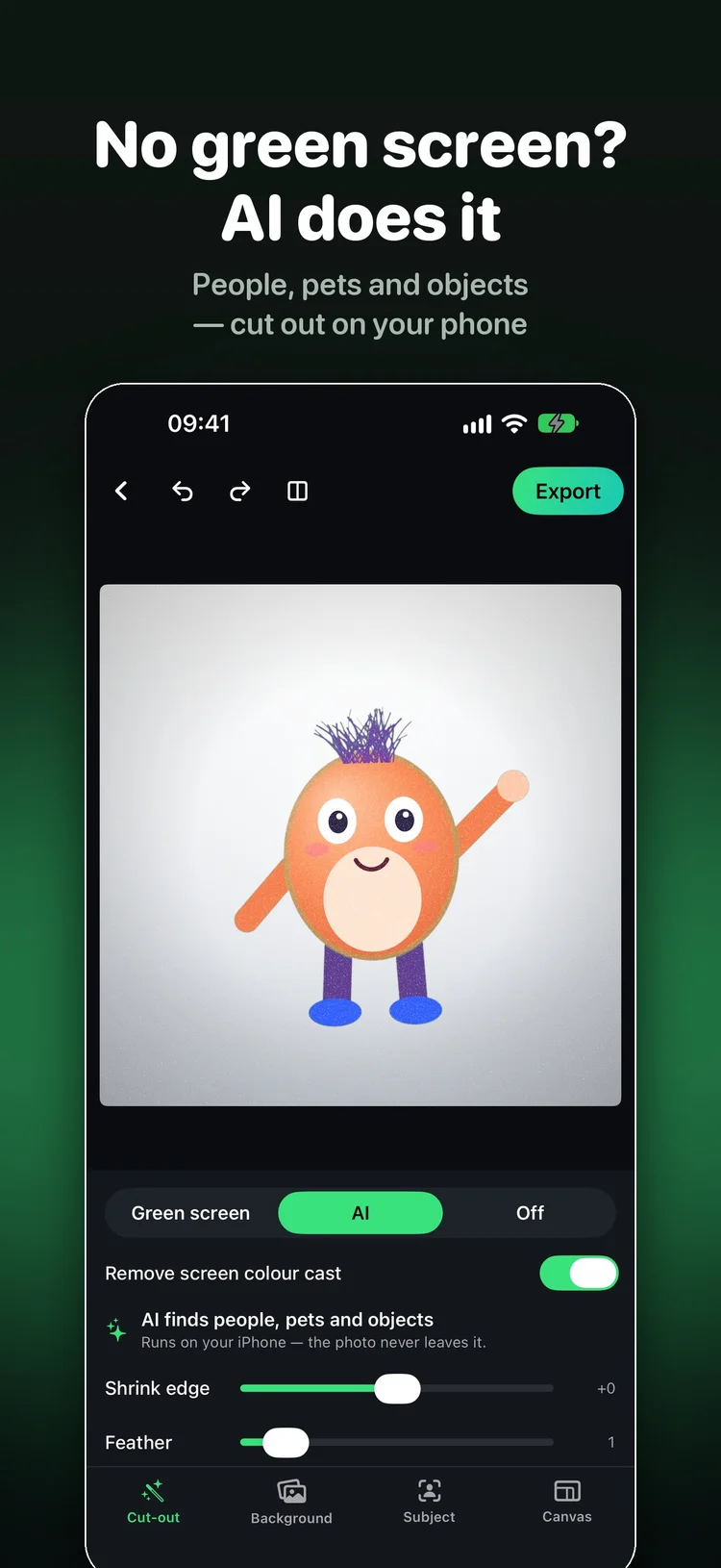
On photos, AI can find people, pets and objects. For videos and the live camera, it separates people from the background. Cut-outs are processed on your iPhone with Apple’s Vision framework.
Live camera
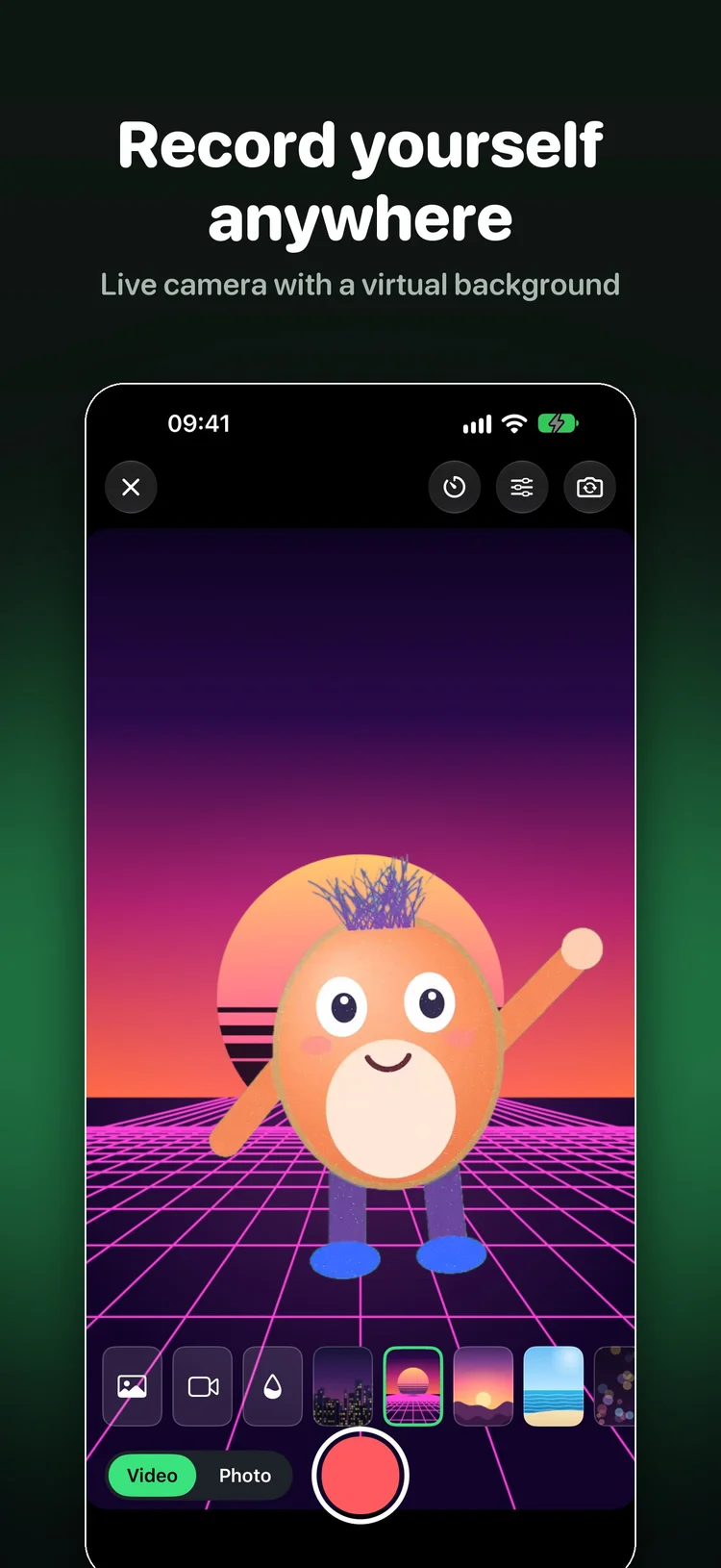
Choose a background and record with sound in real time. Switch between the front and back cameras, take a photo or use a 3-second or 10-second timer.
Export
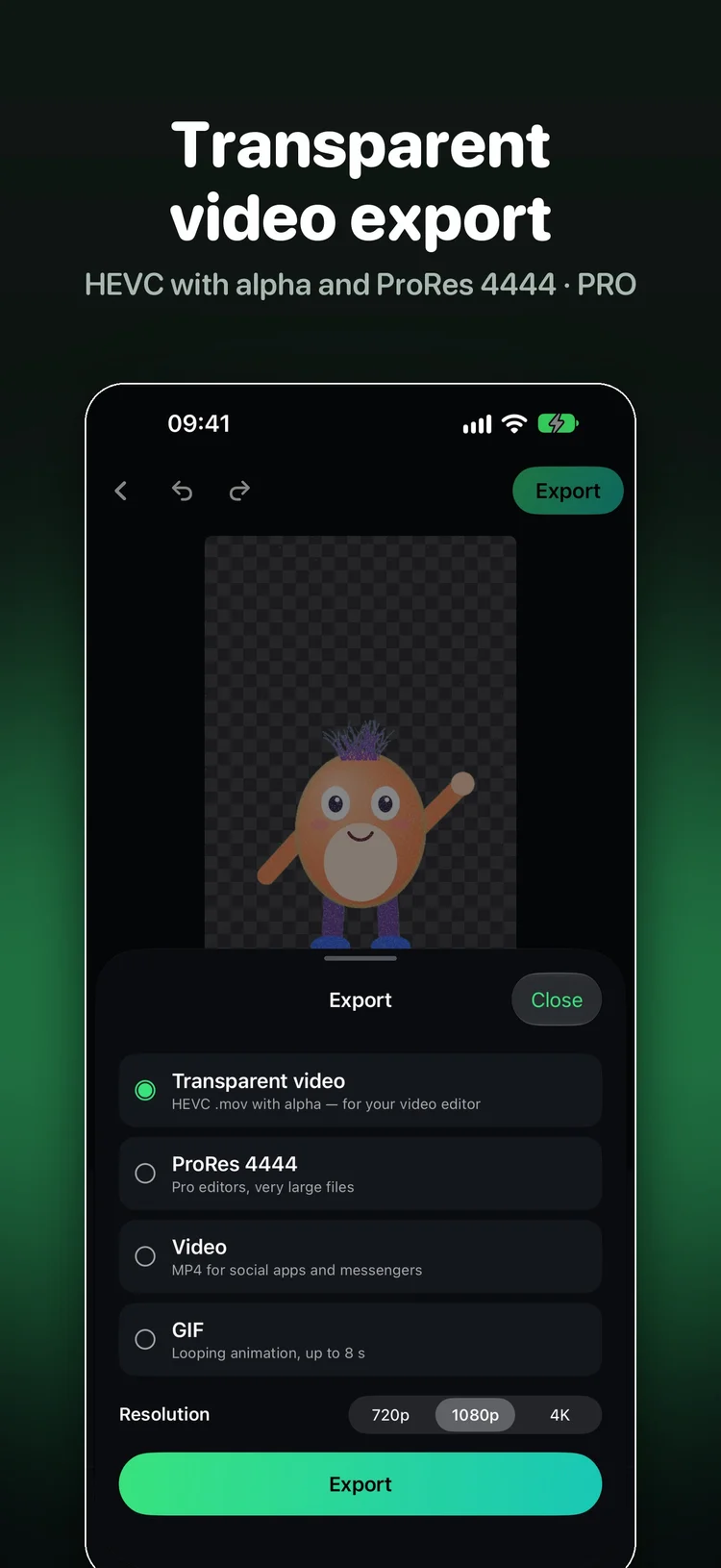
Export MP4 with the original sound, transparent PNG or JPEG. Pro adds video up to 4K, transparent HEVC with alpha, ProRes 4444 and animated GIF. A photo on an animated background can become a video or GIF.
Your projects
Move, resize and rotate the subject. Match brightness, contrast, saturation and warmth, then add a shadow or sticker outline. Use vertical, square or wide canvases, and return to saved projects from the home screen.
Choose a yearly subscription with a free trial, a weekly subscription or a one-time lifetime purchase. Prices and trial details are shown in the app before you buy.
Free
Free exports include a small Chromo badge. Videos and live recordings are limited to 15 seconds, and photos to 2048 px.
Chromo Pro
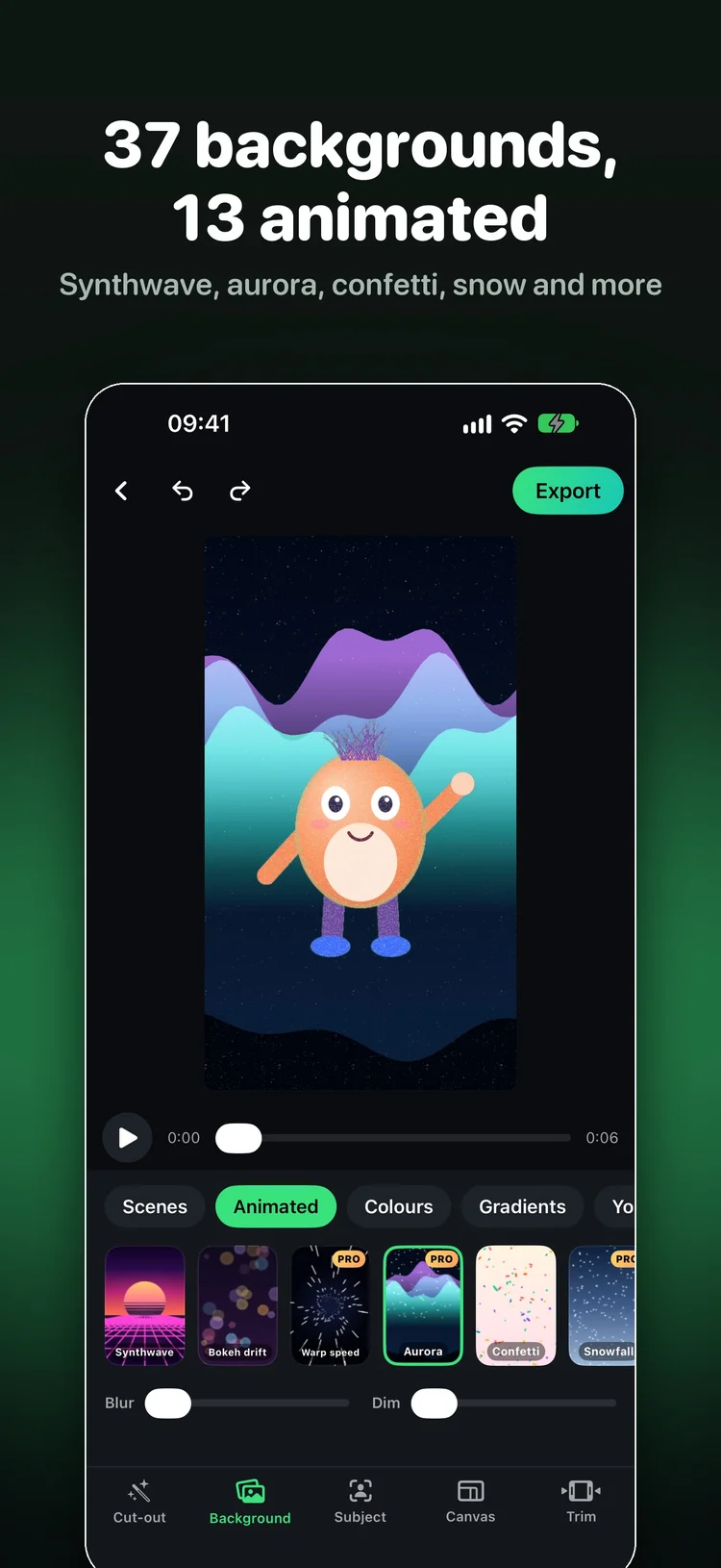
Remove the badge, export full-length videos up to 4K and full-resolution photos, and unlock transparent video, GIF, all 37 backgrounds and video backgrounds.
Your choice
Weekly, yearly or lifetime. Manage subscriptions in your Apple Account and restore purchases from Chromo Settings.
No. AI can cut out people, pets and objects in photos, and people in videos or the live camera. For other video subjects, use a colour screen or the Erase brush.
Yes. Pick your screen colour with the eyedropper or let Chromo find it automatically, then adjust strength, softness and spill suppression.
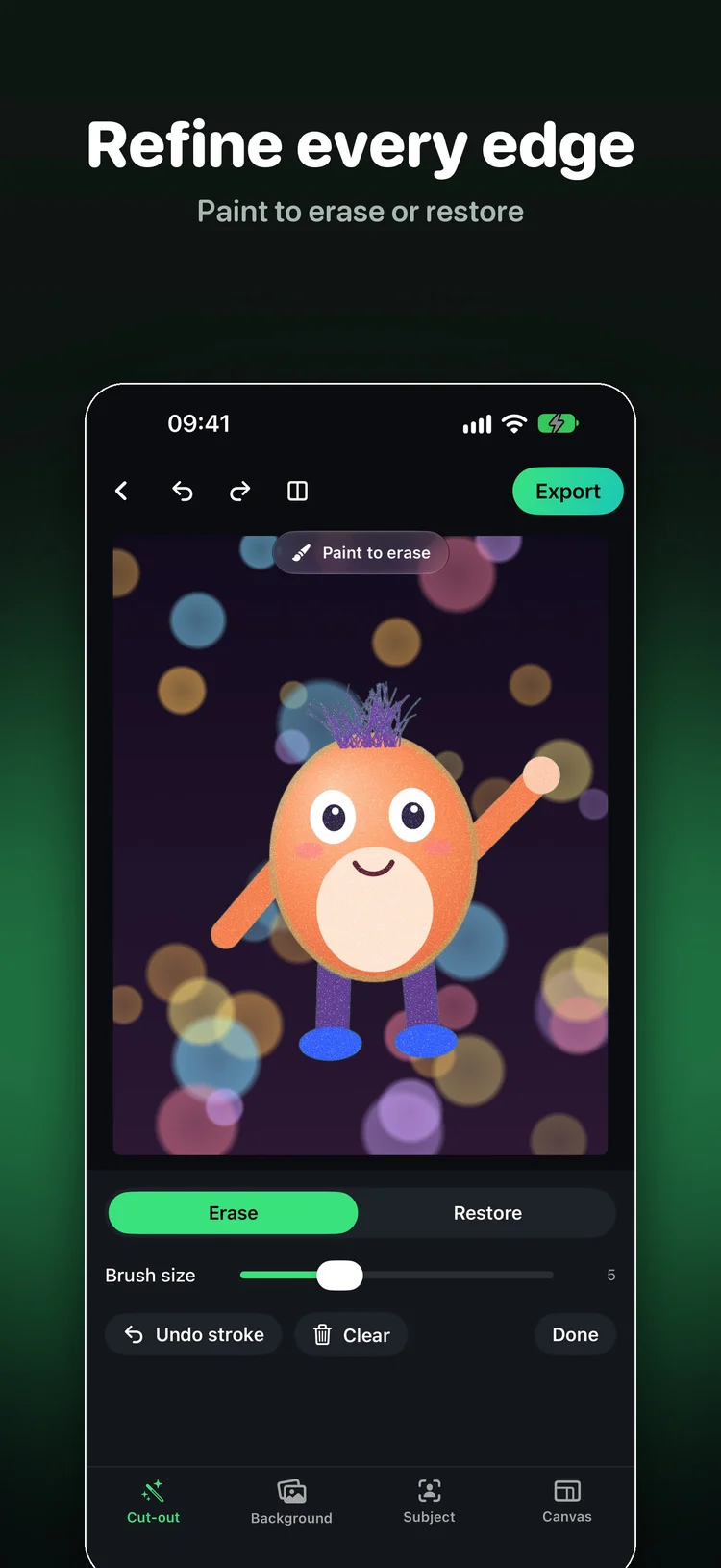
Lower Strength or use Refine with brush › Restore to paint it back. Green clothing can key out with a green screen; use a different screen colour or AI mode.
Yes. Use transparent PNG for photos. Chromo Pro also exports transparent video in HEVC with alpha or ProRes 4444 for use in another video editor.
Yes. The built-in backgrounds are drawn by the app and may be used in your exports, including commercially. For your own media and backgrounds, make sure you have the rights to use them.
Chromo processes your edits on your iPhone and does not upload your photos or videos. If you choose Apple’s Image Playground to create a background, Apple handles that request under its own privacy policy.
Chromo requires iOS 17 or later. Automatic cut-out results depend on your footage, so check the finished export before publishing it.
Green screen, AI cut-out and live backgrounds. Chromo for iPhone.
Coming soon on the App Store