Countdowns
Keep something to look forward to
Trips, birthdays, exams and anniversaries. Count days until a date or days since a milestone, with progress rings and designs for your Home Screen and Lock Screen.
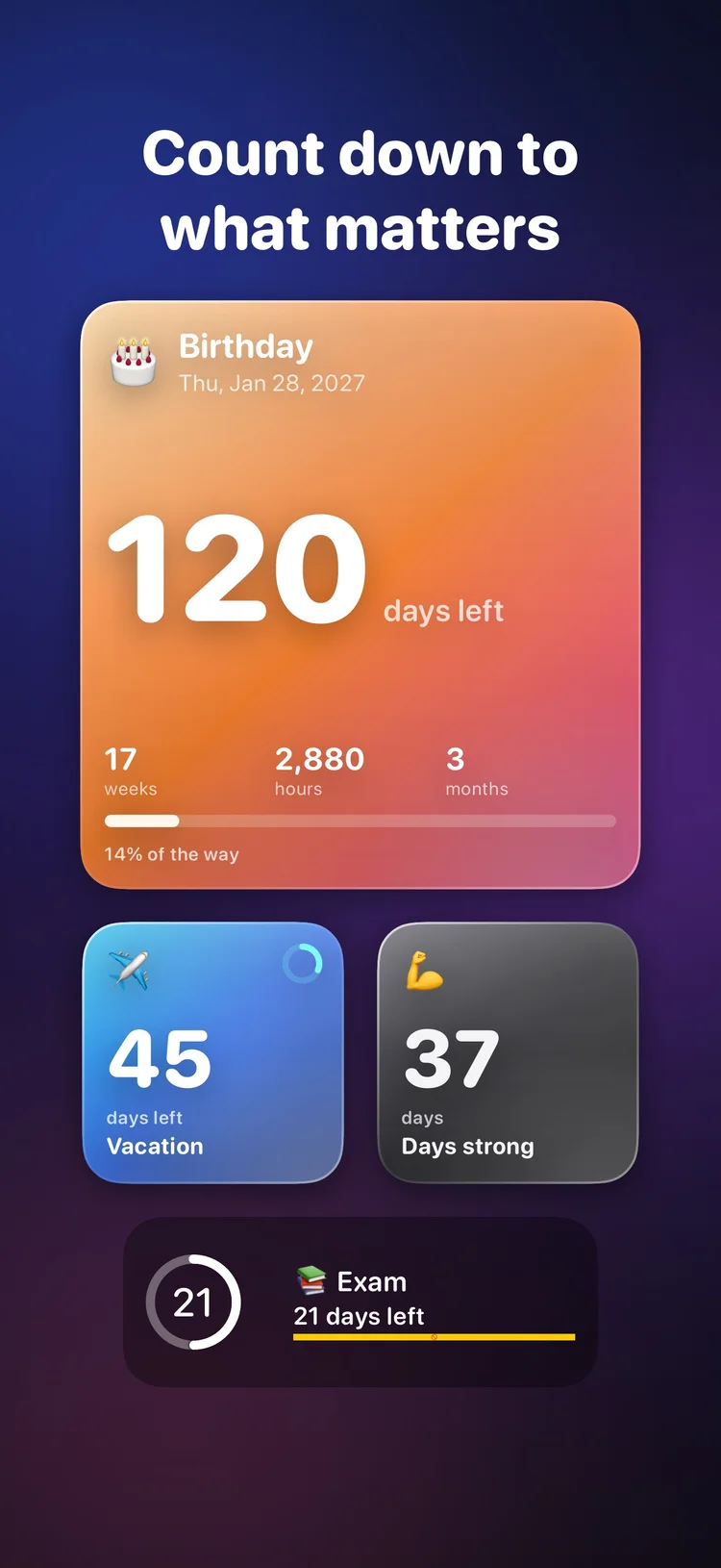
Home Screen & Lock Screen widgets
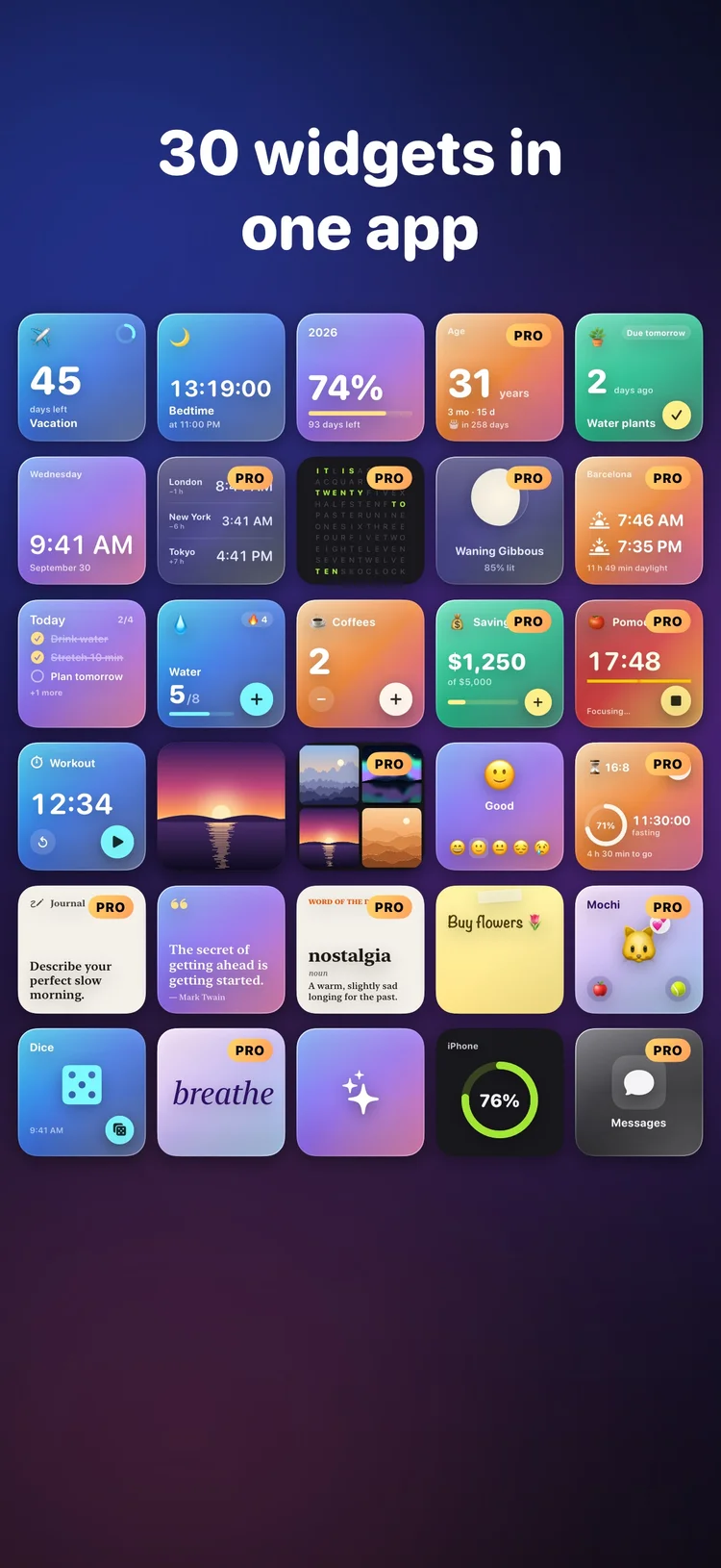
Count down to your next trip. Tick off a to-do. Keep a favourite photo close. Glasso brings 30 kinds of widgets to your iPhone, with colours and glass finishes you can make your own.
 Coming soon on the App Store
Explore the widgets
Coming soon on the App Store
Explore the widgets
Coming soon · iOS 17+ · Free with optional Glasso Pro
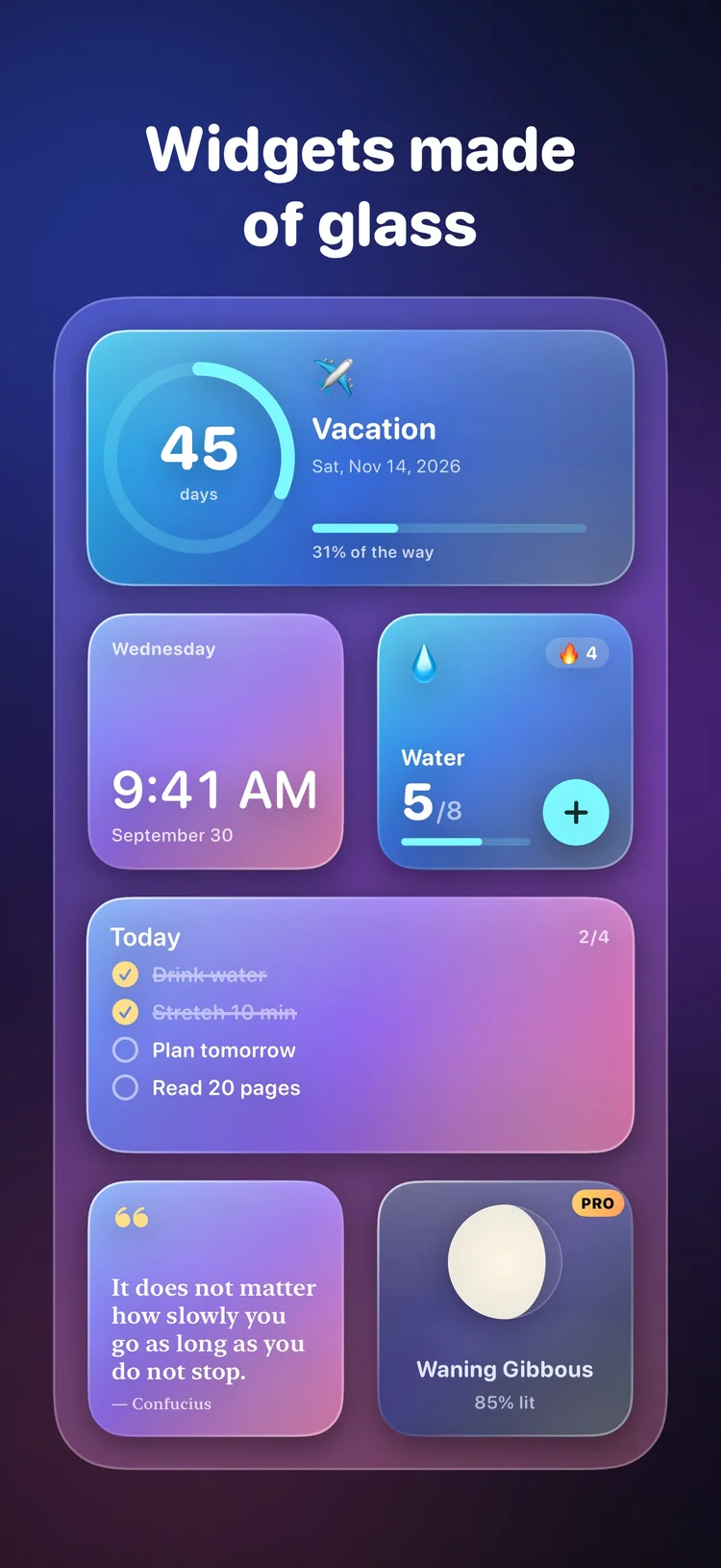
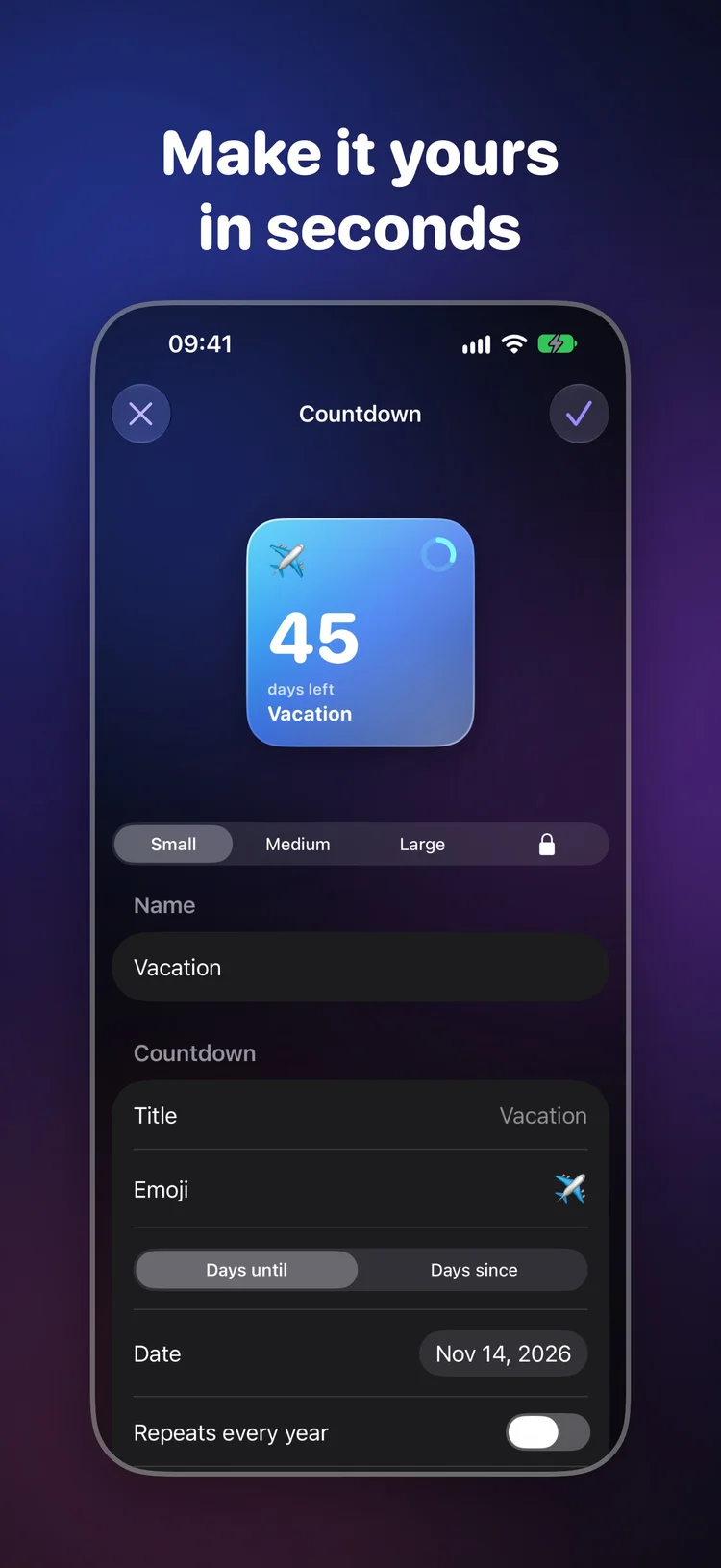
Start with a ready-made design, change the details and save it in the size you need.
Countdowns
Trips, birthdays, exams and anniversaries. Count days until a date or days since a milestone, with progress rings and designs for your Home Screen and Lock Screen.
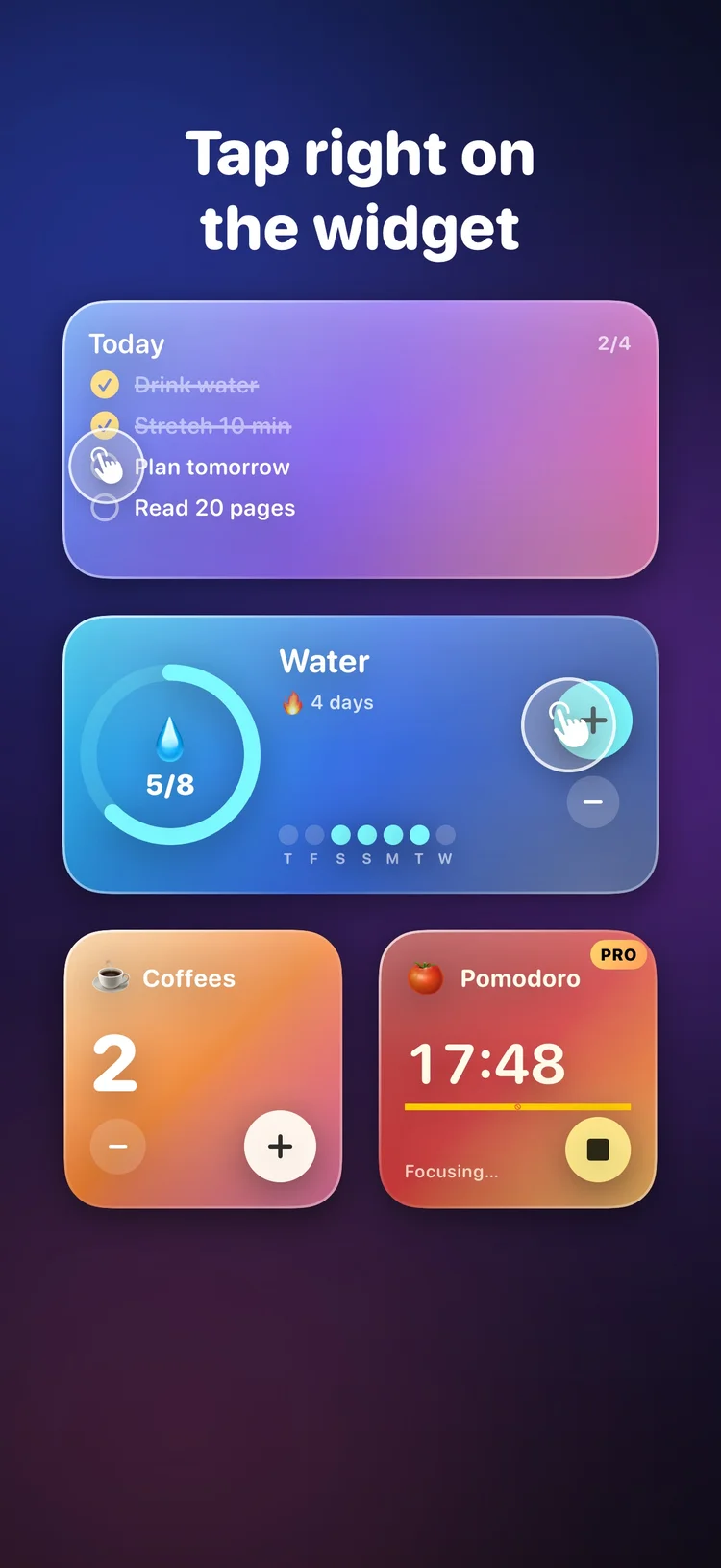
Interactive widgets
Tick off a to-do, log a habit, add to a counter or start a focus timer right on the widget. Keep your small daily actions close at hand.
Live editor
Choose glass, gradient, solid or photo backgrounds. Explore 16 palettes and 4 fonts, then check your design in small, medium, large and Lock Screen sizes.
Choose a weekly or yearly subscription, or a one-time lifetime purchase. Prices and any trial offer are shown in the app before you buy.
Free
Save up to 3 widgets using the free widget types and palettes. No account and no ads.
Glasso Pro
Unlimited widgets, 13 Pro widget types, 10 premium palettes, photo shuffle and photo backgrounds.
Your choice
Weekly, yearly or lifetime. Manage subscriptions in your Apple Account and restore purchases from Glasso Settings.
The free version holds 3 widgets. Glasso Pro unlocks unlimited widgets, 13 Pro widget types, 10 premium palettes, photo shuffle and photo backgrounds.
Glasso requires iOS 17 or later. Liquid Glass effects are available on iOS 26 and later, with a material appearance on earlier versions.
Save a design in Glasso. Touch and hold an empty area on the Home Screen, tap Edit › Add Widget, search for Glasso and choose a size. Then touch and hold the widget, tap Edit Widget and select your design.
No. Glasso has no account, no ads and no analytics. Designs, photos and logs stay on your iPhone. Apple handles purchases.
Yes. Touch and hold the Lock Screen, tap Customize › Lock Screen, then tap the widget area under the clock and choose Glasso.
Glasso for iPhone. Countdown, habits, photos and more, all in glass.
Coming soon on the App Store